
Free AI Image and Video Generator for Everyone
Picture it. Say it. See it.
Start from a look
Real outputs from our own models. Pick one and swap in your photo.
 Couple photoGOLDEN
HOUR
Couple photoGOLDEN
HOURAI Couple Photo
Two selfies in, one real-looking photo out.
 StudioPORTRAIT
STUDIO
StudioPORTRAIT
STUDIOAI Headshot Generator
Headshots, hair color and fashion looks from one photo.
 VideoCITY
NIGHTS
VideoCITY
NIGHTSImage to Video
A still becomes a clip of up to 30 s, with sound.
 NewGPT
IMAGE 2.5
NewGPT
IMAGE 2.5GPT Image 2.5
Sharper faces, truer references. Our newest image model.
Top AI image & video generation models, all in one place
Explore the image and video models powering CreateVision AI — pick one to start creating.
 New
NewGPT Image 2.6
Flare for creative drafts, Sunburst for detailed edits. Independent planning controls and looping GIFs.
Kling 4.0 Flash
Creative drafts and variations at 720p, from text, a first frame, references or video edits.
Kling 4.0
Kuaishou flagship — keyframes, up to 15 references or edit your own clip; 3–30s takes with audio.
 New
NewGPT Image 2.5
OpenAI — sharper detail, truer references, Flare or Sunburst.
 New
NewNano Banana 2.1
Official Gemini channel — sharper text layout and steadier faces across multi-turn edits, up to 4K.
Wan 3.0
Alibaba flagship — 30s takes with audio, first/last-frame control.
 New
NewMiniMax H3 Max
Hailuo 3 Max — first/last-frame control and multimodal reference, 480p/768p.
 New
NewMiniMax H3 Max Turbo
Hailuo 3 Max Turbo — the budget tier, from 20 credits per second.
MiniMax H3
Hailuo 3 — cinematic motion with native audio, 768p/2K.
Seedance 2.5
Flagship video — 30 seconds from mixed image, video and audio refs.
 New
NewGrok Imagine Image 2.0
xAI — generate and edit in one model, top-5 on the text-to-image arena.
 New
NewQwen Image 3 Pro
Flagship Qwen — pro-grade detail and in-image text.
 New
NewQwen Image 3
Readable in-image text — posters and menus, 2K at flat price.
 New
NewSeedream 5 Pro
Pro flagship — ultra-detailed 1K/2K rendering.
 New
NewSeedream 5 Flash
Seedream 5 budget tier — fast generation and editing, 1K–2K at one price.
 New
NewGrok Imagine 1.5
Turn any photo into a living scene — lowest cost, with sound.
 New
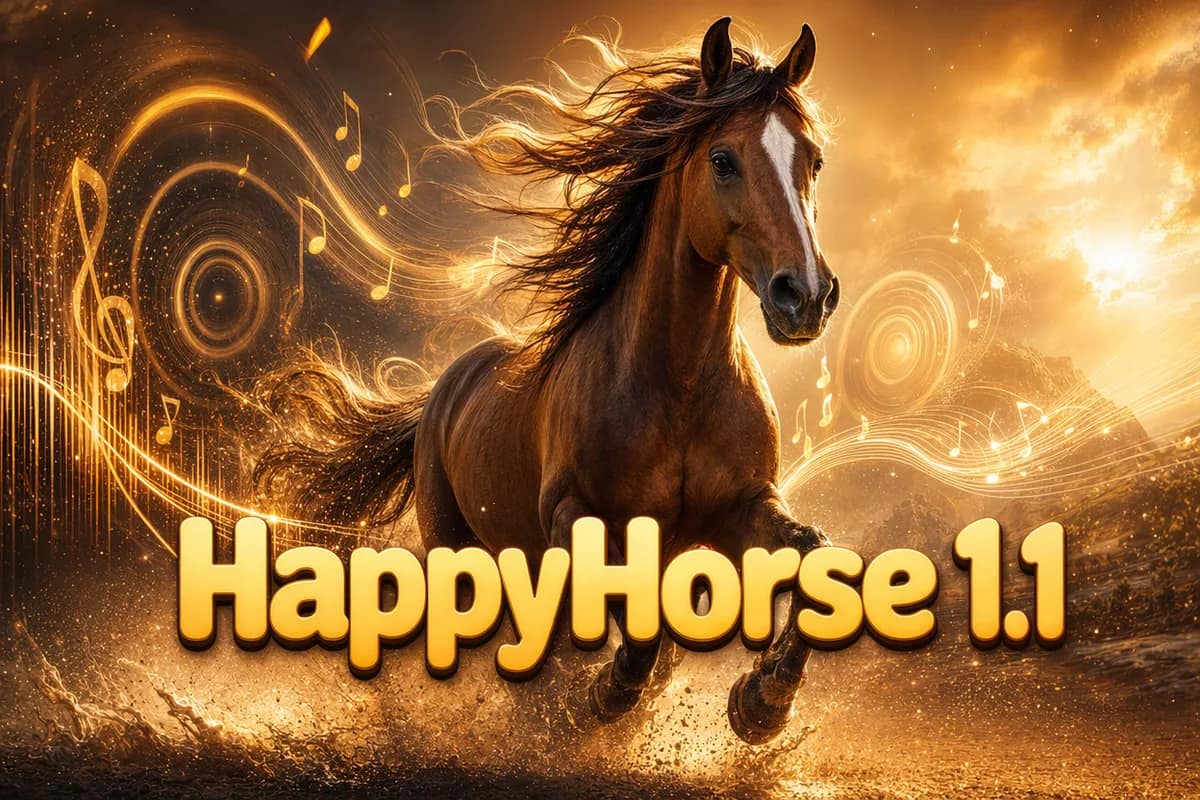
NewHappyHorse 1.1
Video with native audio and lip-sync in six languages.
 New
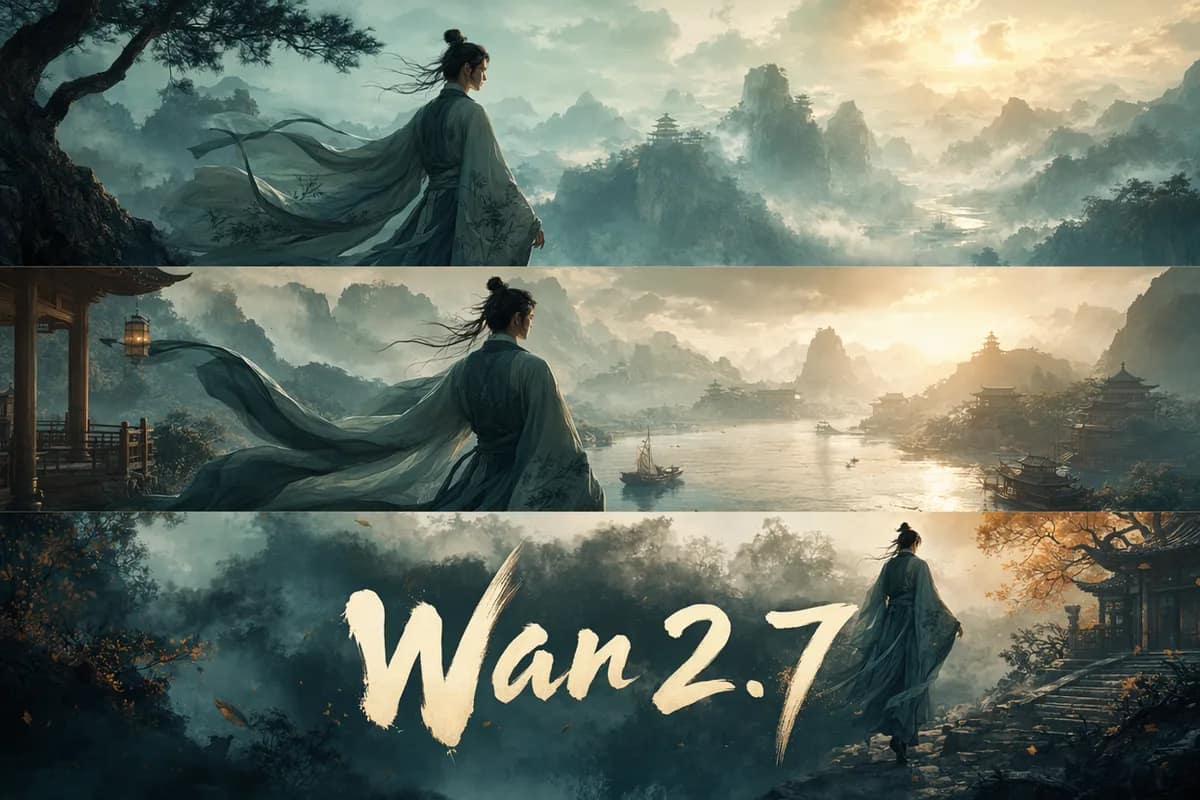
NewWan 2.7
Multi-shot stories with locked character identity.
 New
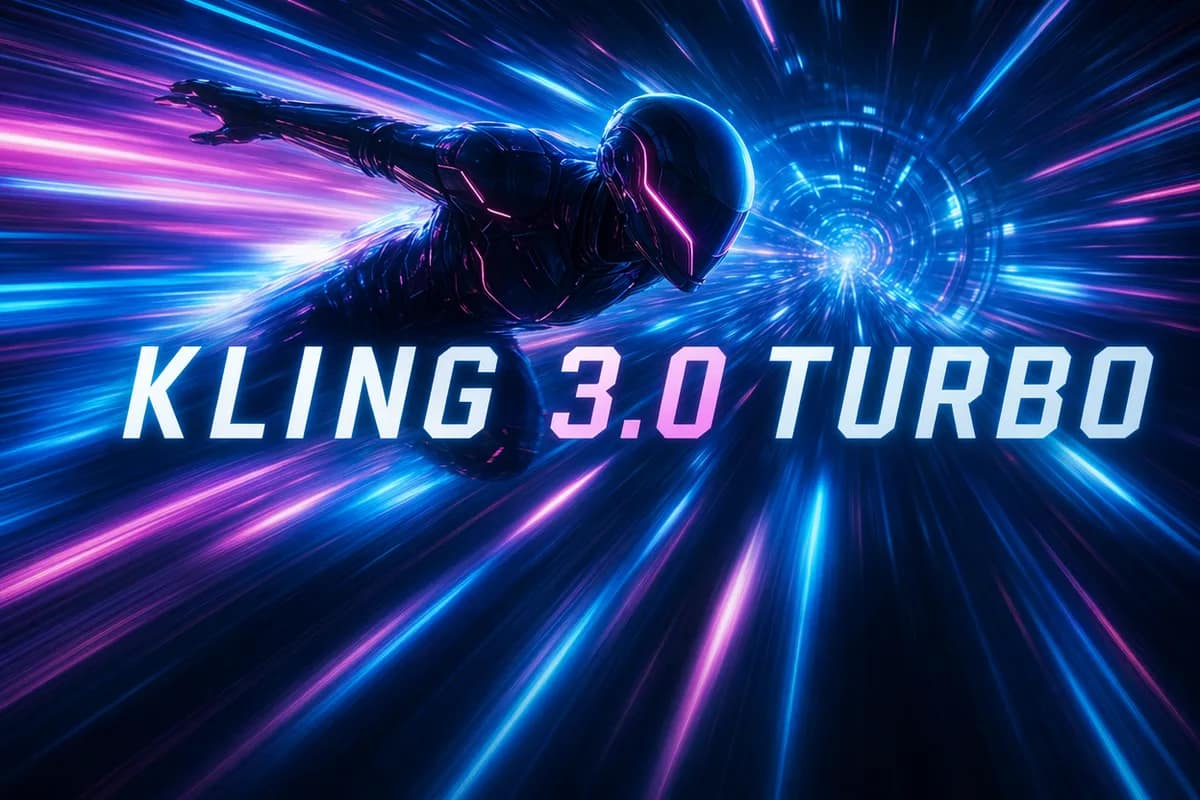
NewKling 3.0 Turbo
Kling motion quality on a faster engine.
 New
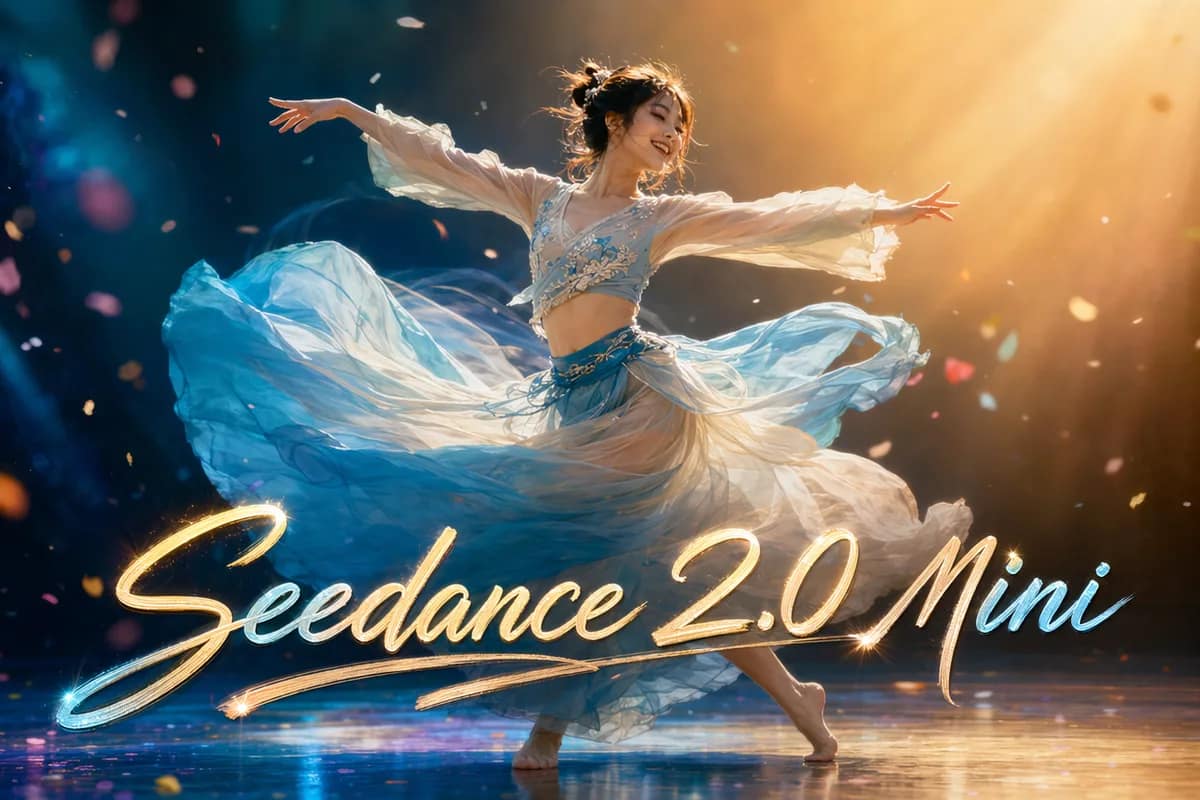
NewSeedance 2.0 Mini
Lightweight, low-cost video for fast drafts.
 New
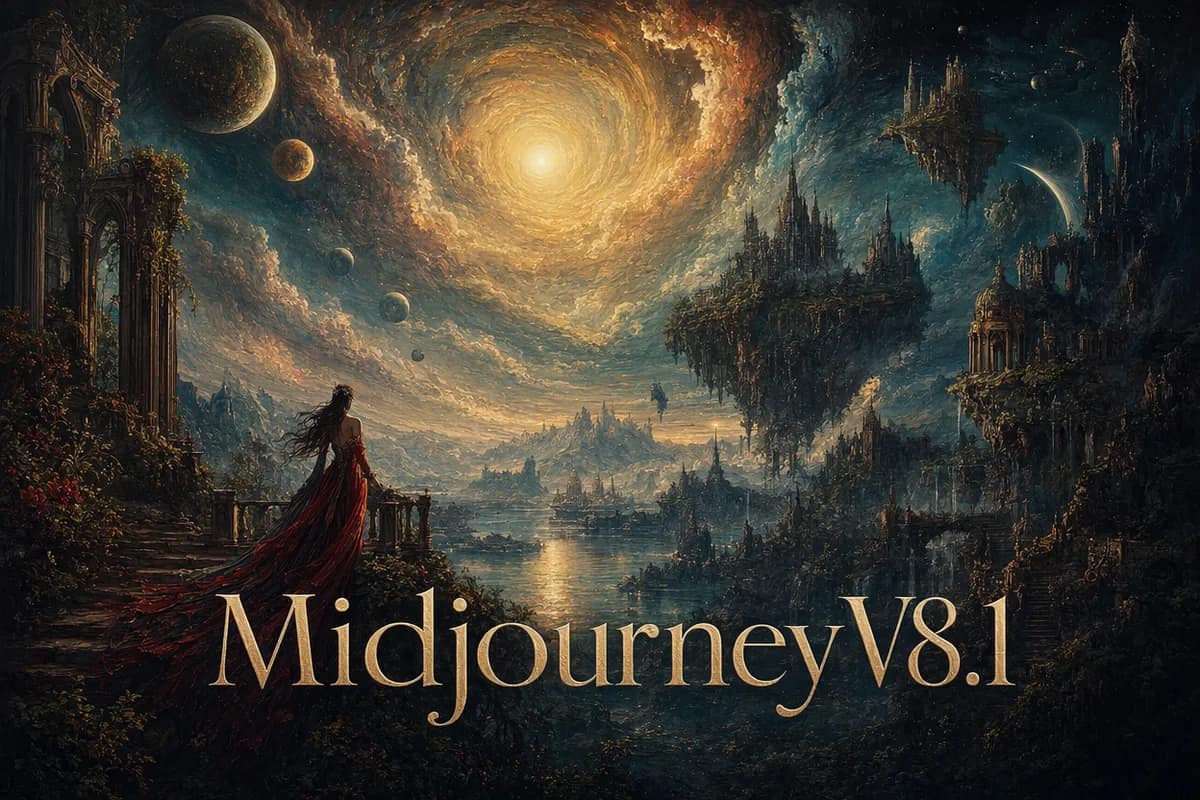
NewMidjourney V8.2
Signature artistic style, four variations per prompt.
 New
NewKling 3.0
Text & image to video, up to 4K with sound.
 New
NewVeo 3.1 Pro
Premium cinematic video with native audio.
 New
NewHailuo 02
Fast, affordable video with real camera control.
 New
NewOmniHuman 1.5
Photo + voice to a lifelike talking avatar.
 New
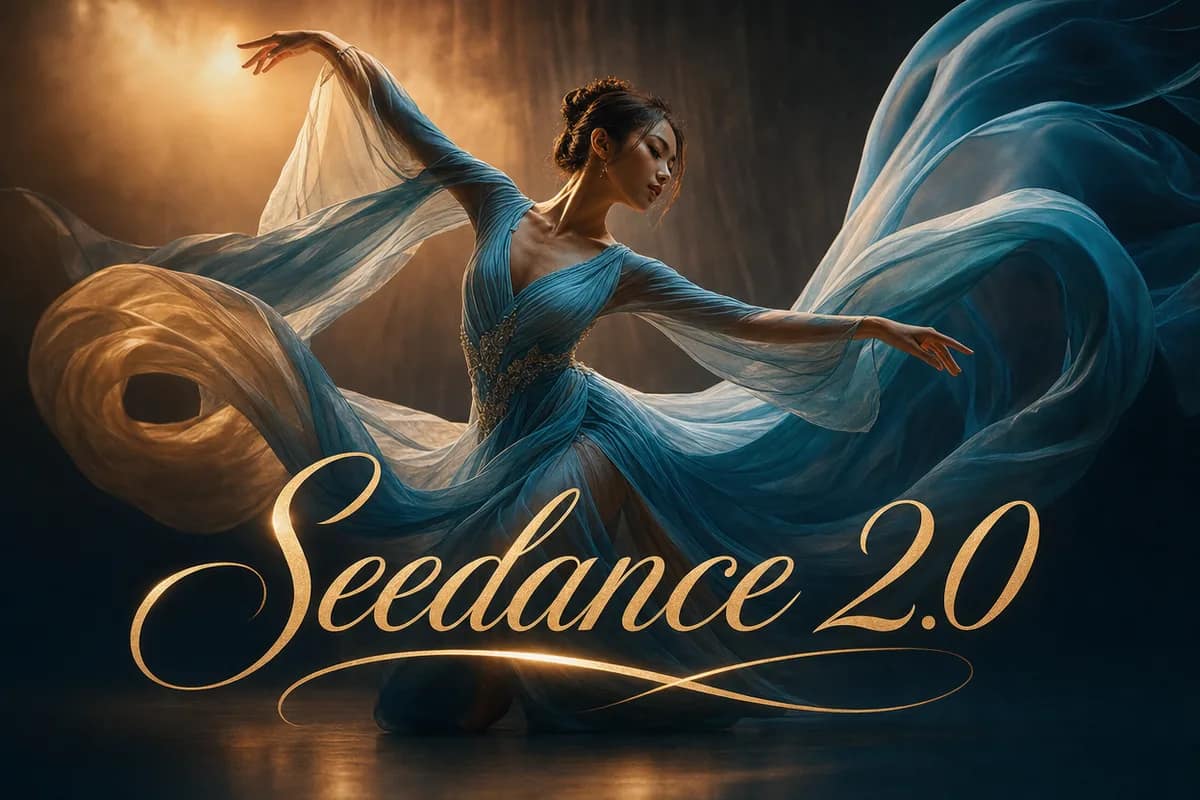
NewSeedance 2.0
Smooth motion and natural choreography.
 Editor’s Pick
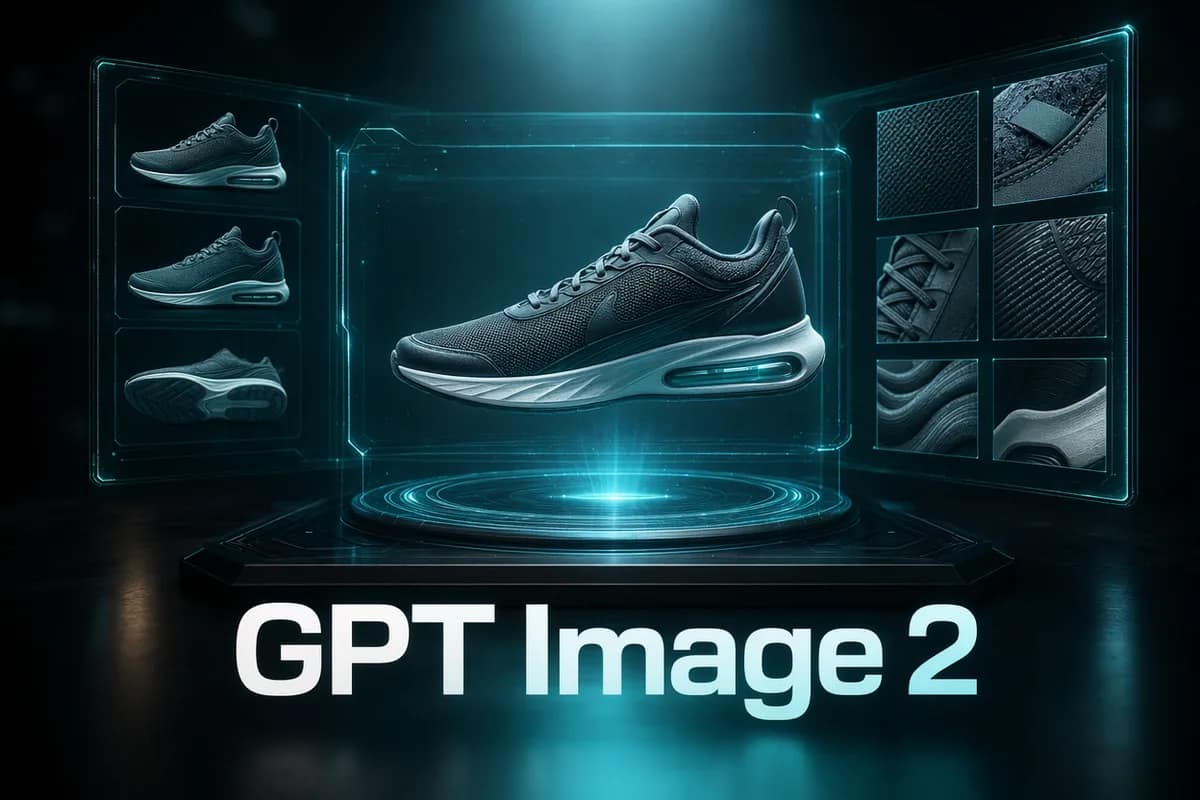
GPT Image 2
Precise prompts, clean text, product shots.
 New
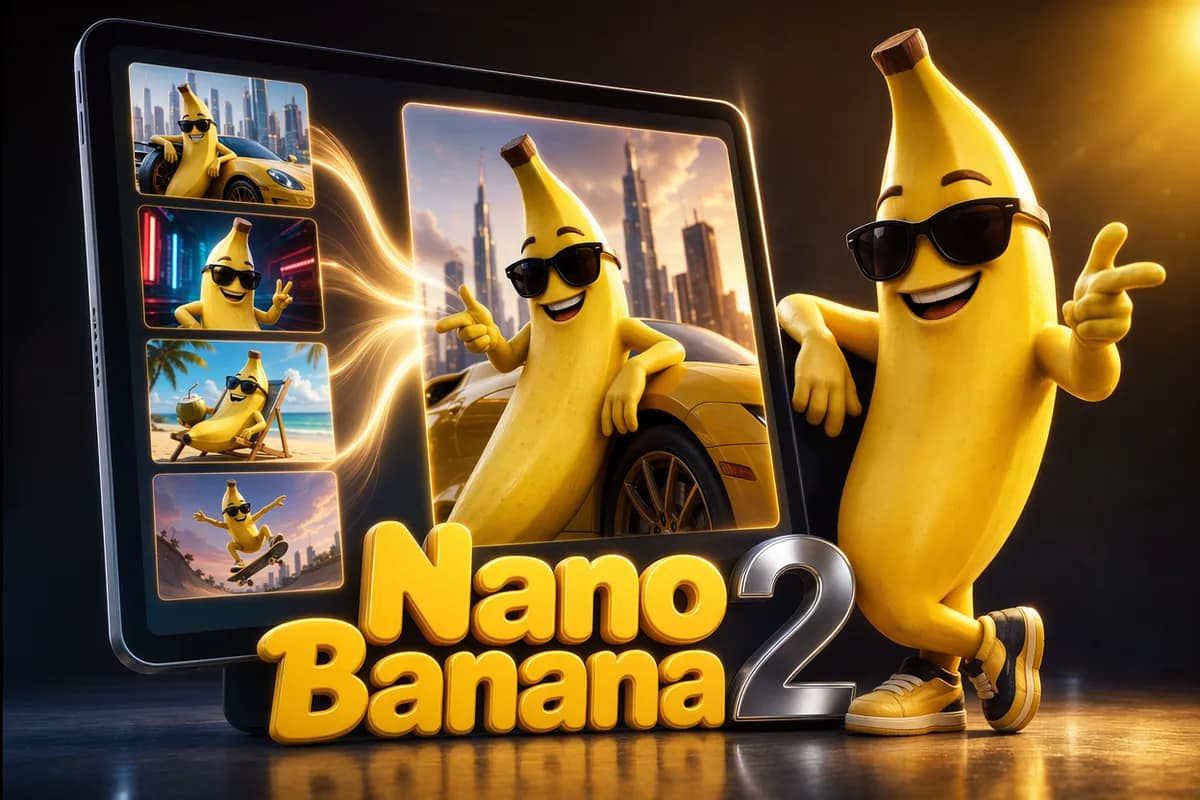
NewNano Banana 2
Next-gen multi-image fusion with quality tiers.
 New
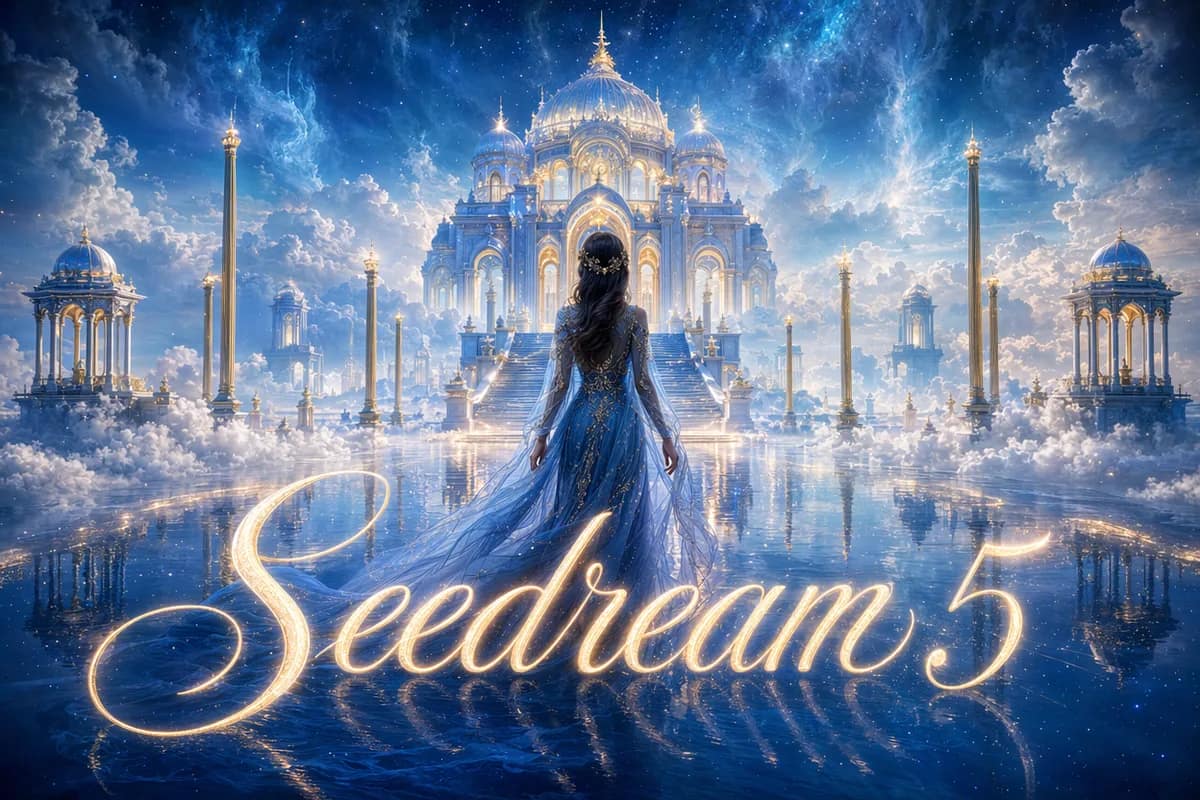
NewSeedream 5 Lite
Next-gen 2K/3K high-quality generation.
Nano Banana Pro Official
Official channel with web search, up to 4K.
Nano Banana Pro
Multi-image fusion with consistent faces and styles.
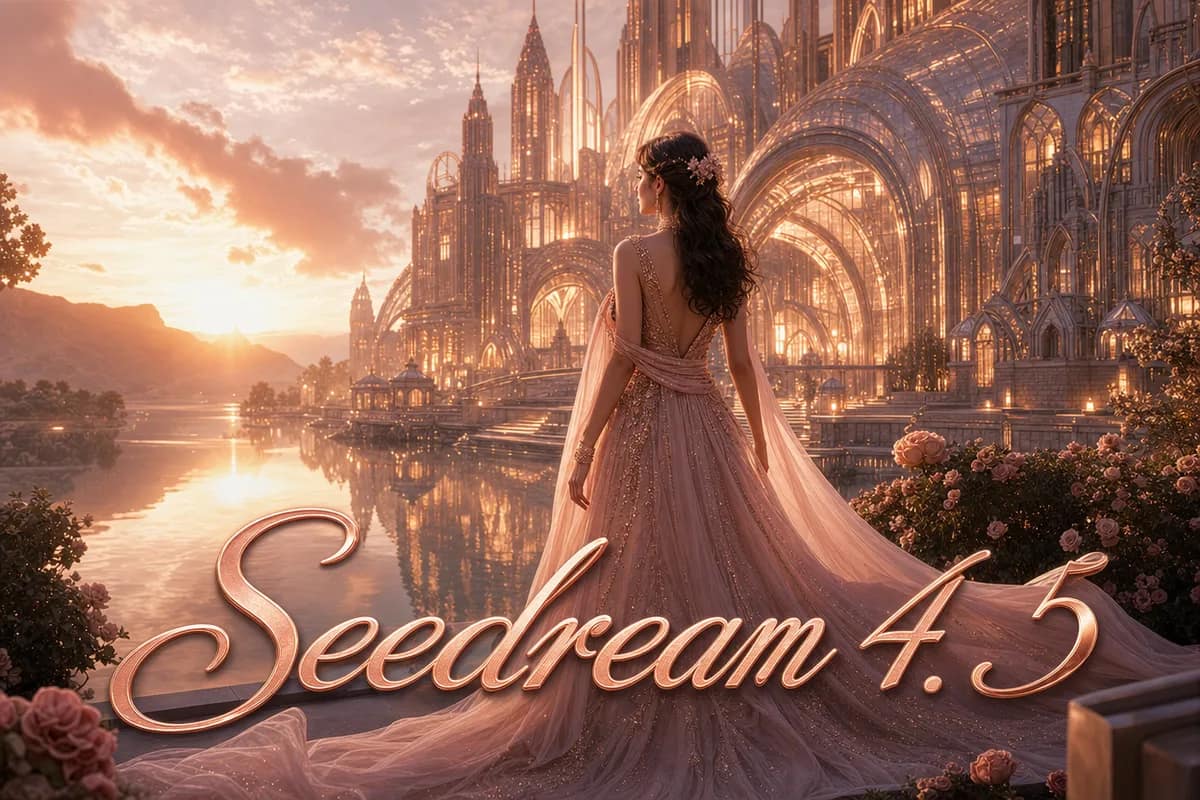
Seedream 4.5
Advanced 2K/4K high-quality generation.
Nano Banana
Fast, affordable fusion and smart edits.
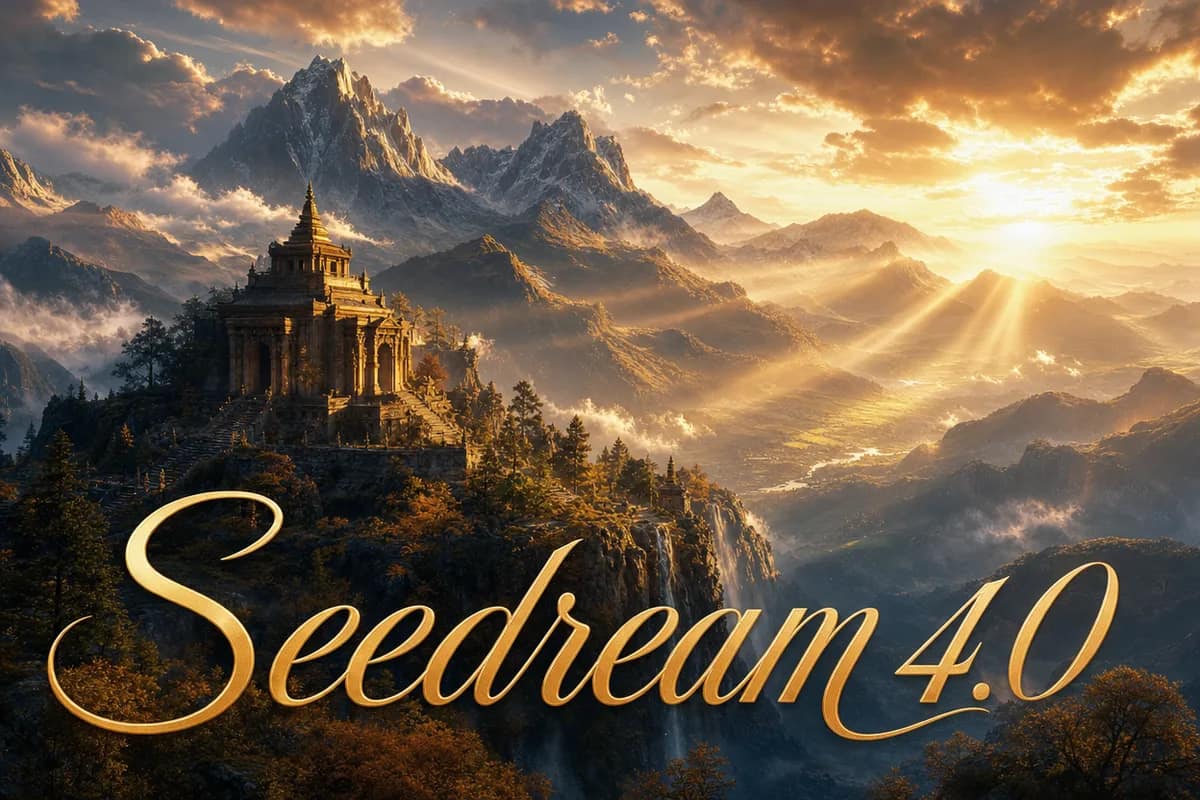
Seedream 4.0
HD batch generation with fine prompt control.
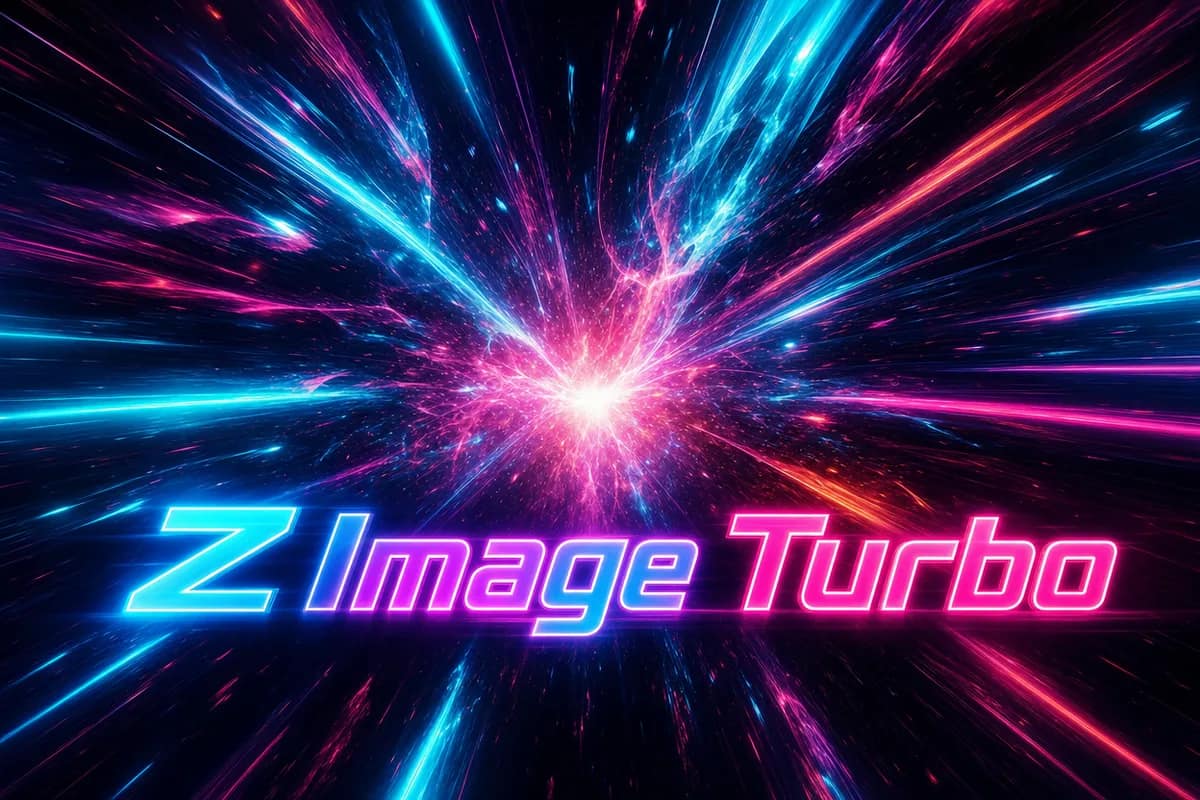 Free
FreeZ Image Turbo
Free, instant text-to-image drafts.
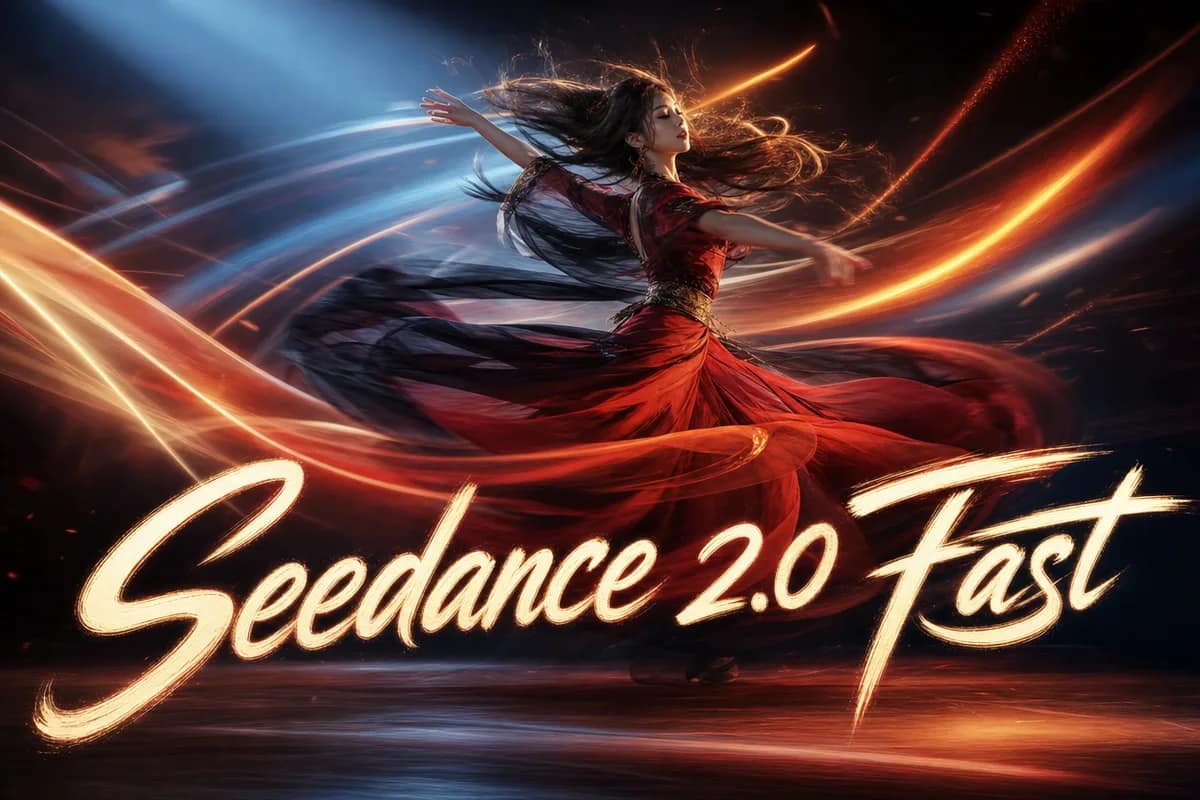
Seedance 2.0 Fast
Fast, smooth text- and image-to-video.
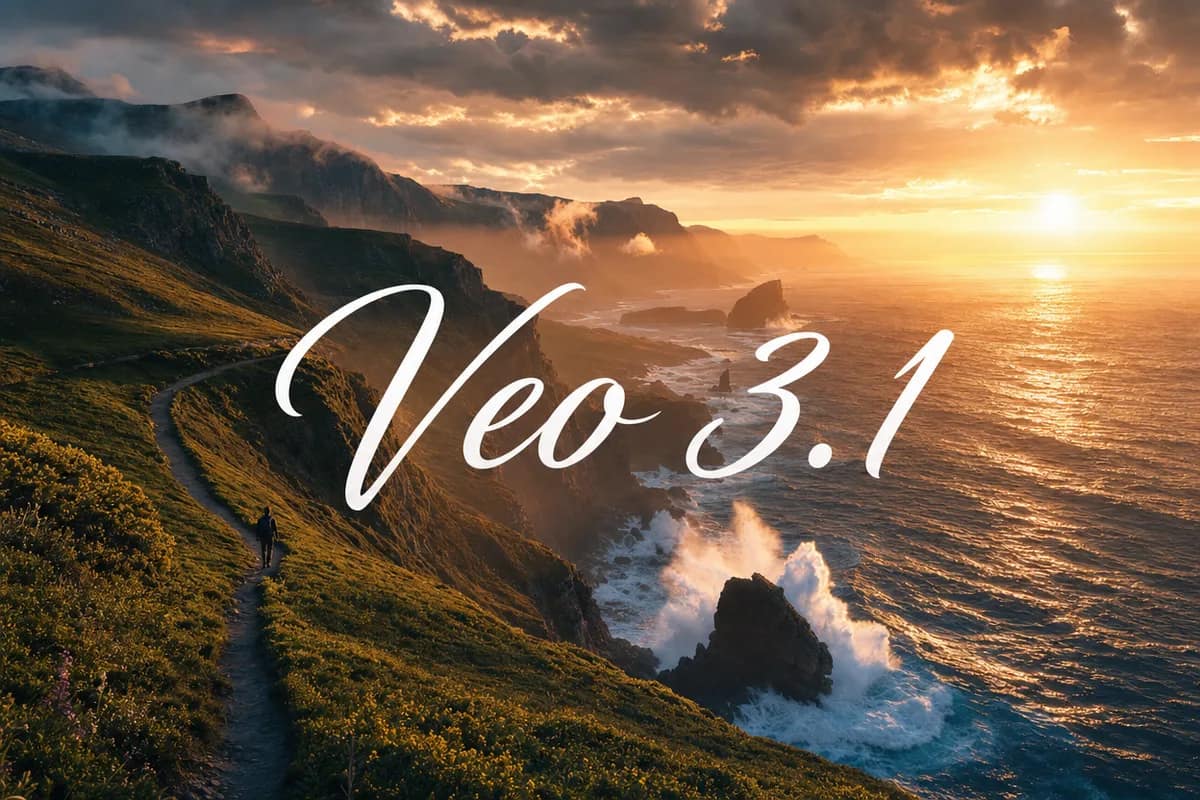
Veo 3.1 Fast
Cinematic clips from prompts or references.
Seedance 1.5 Pro
Pro-grade video with audio and quality control.
Kling 3.0 Motion Control
Reference-driven motion control for video.
Popular AI photo & video tools
The tools creators reach for most, ranked by real usage — swipe through to see every one-click tool.
Explore all tools new
newBulin 47 AI Video
 new
newRaindance AI Video
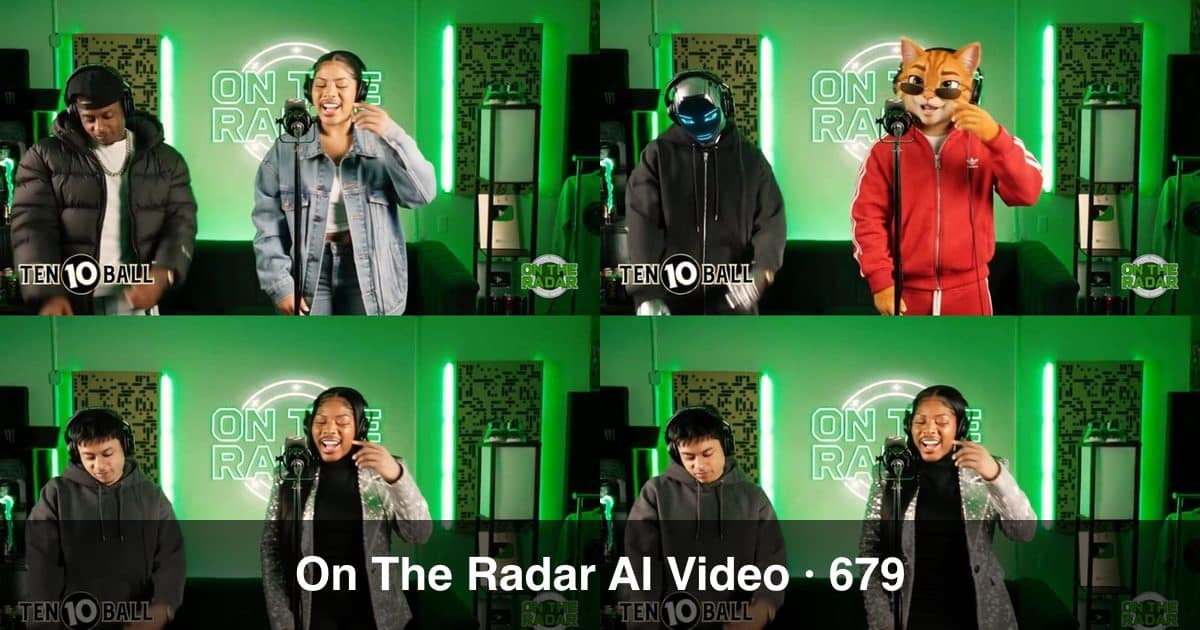 new
newOn The Radar AI Video
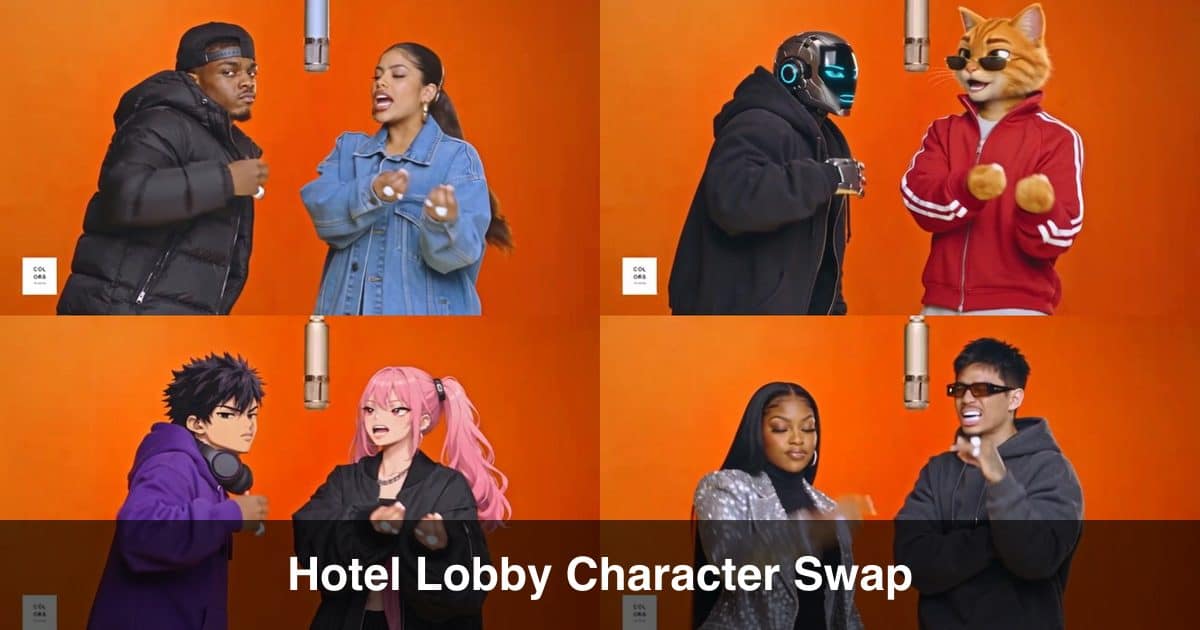 new
newHotel Lobby AI Video
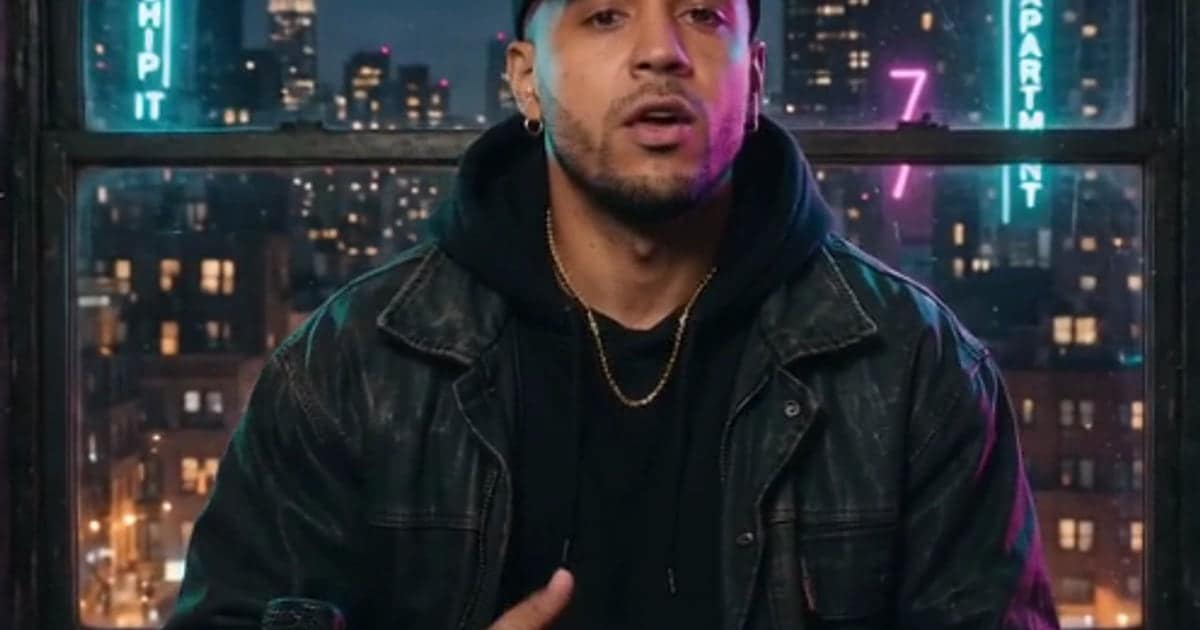 new
newAI Rap Video Generator
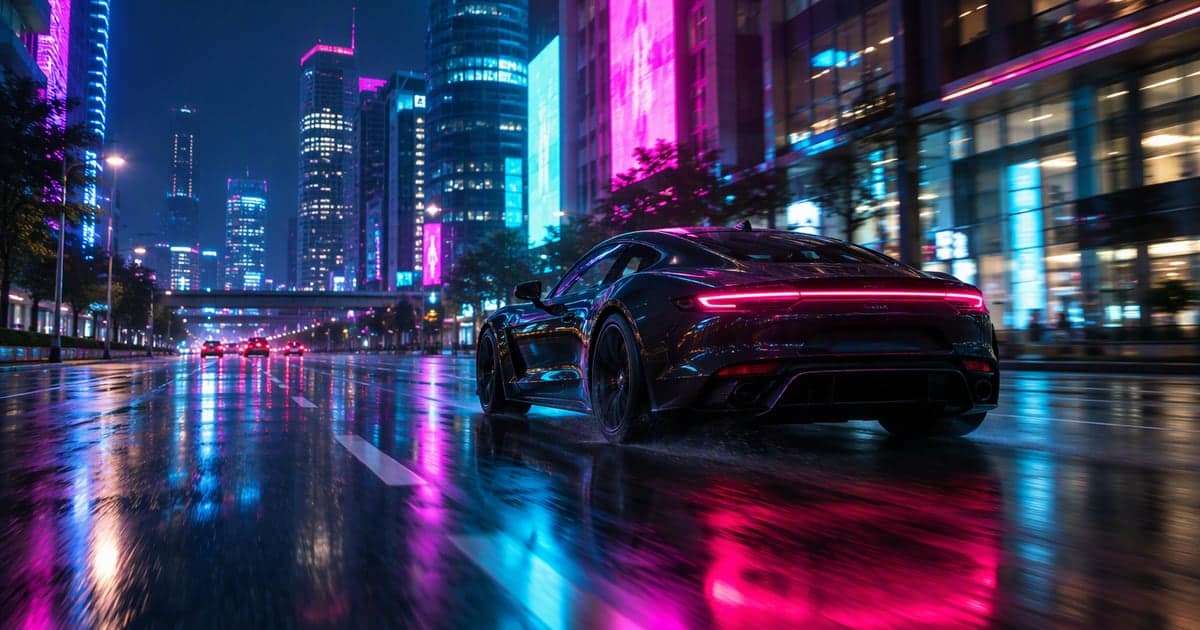 new
newAI Car Video Generator
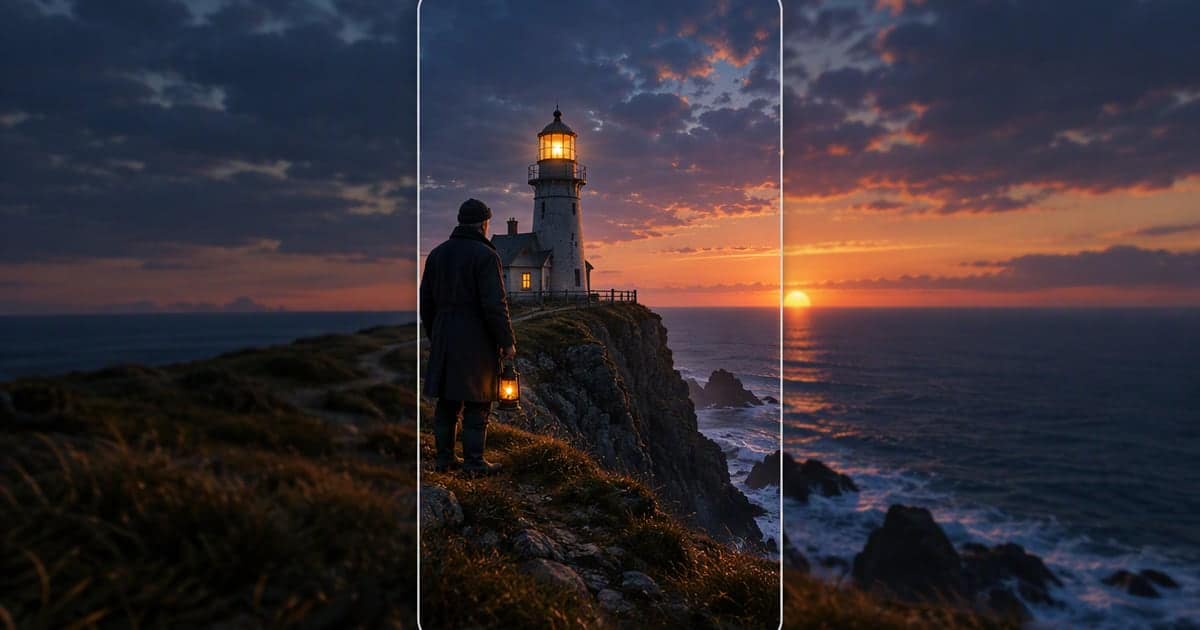 new
newAI Story Video Generator
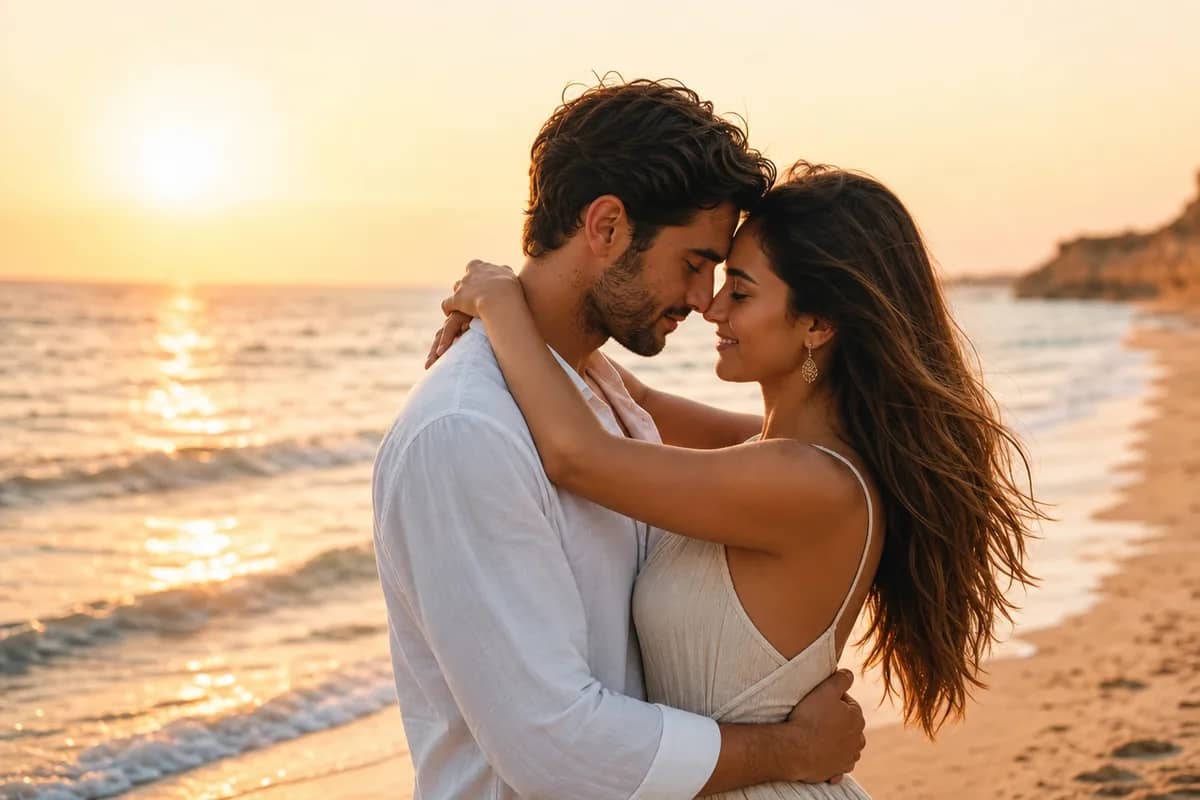 hot
hotAI Couple Photo Maker
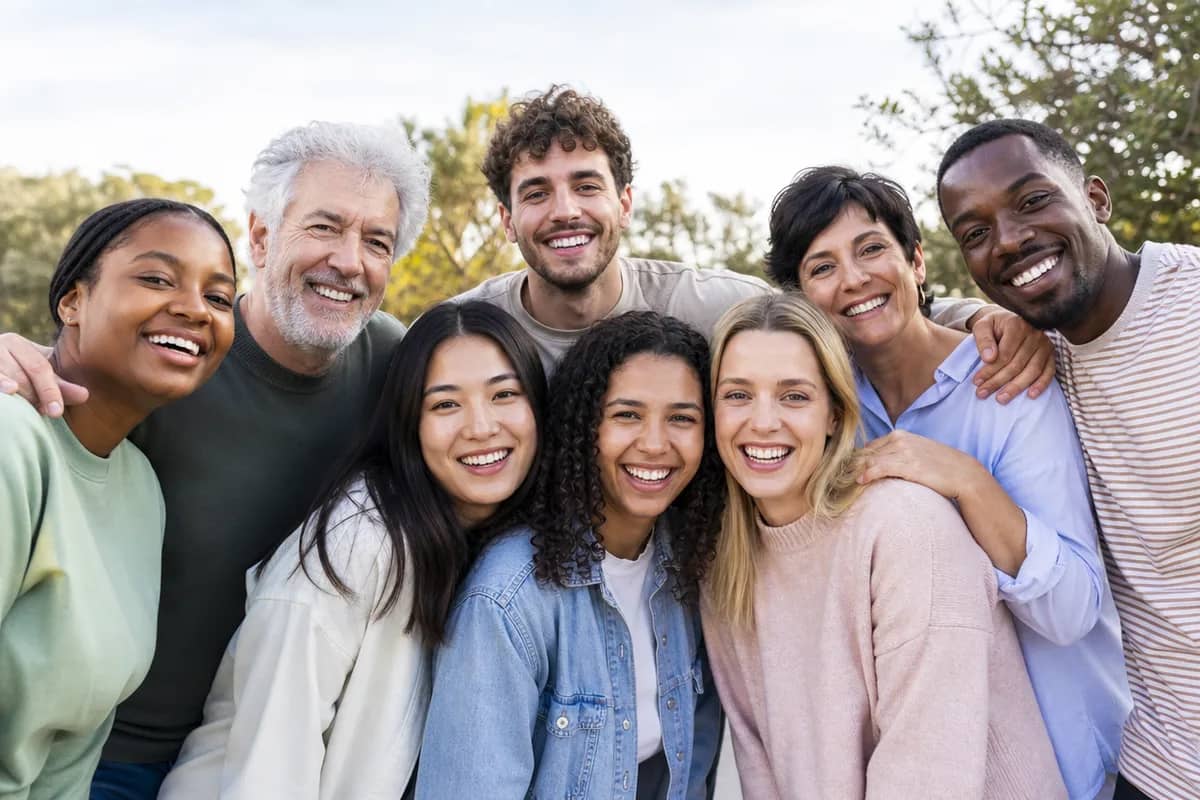 hot
hotAI Group Photo Mixer
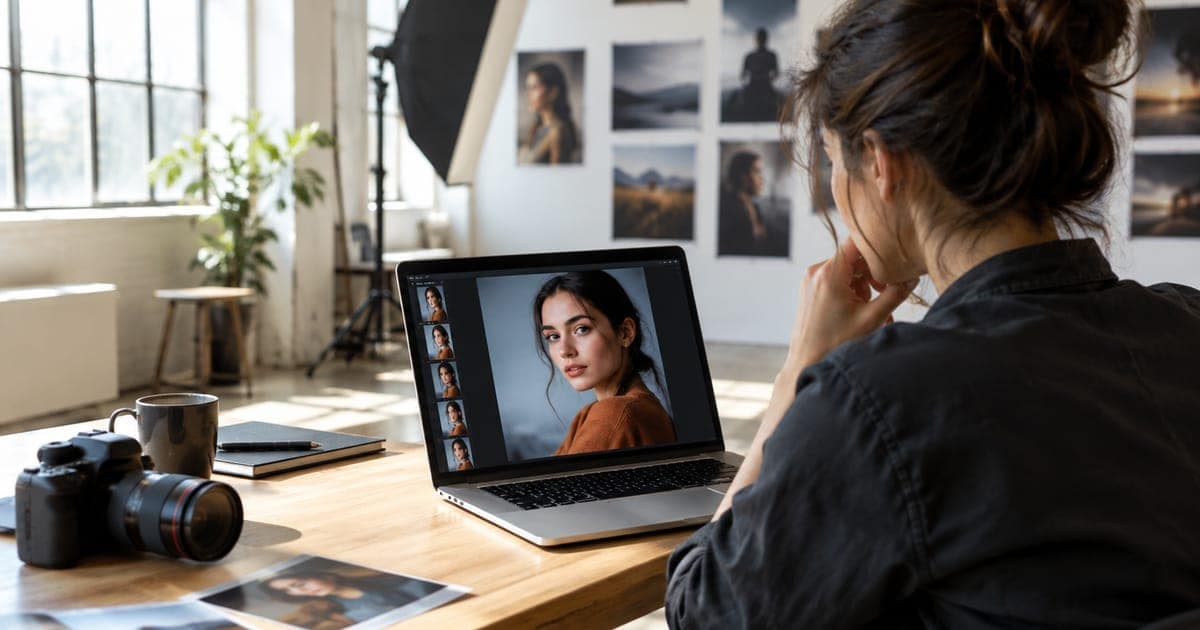 new
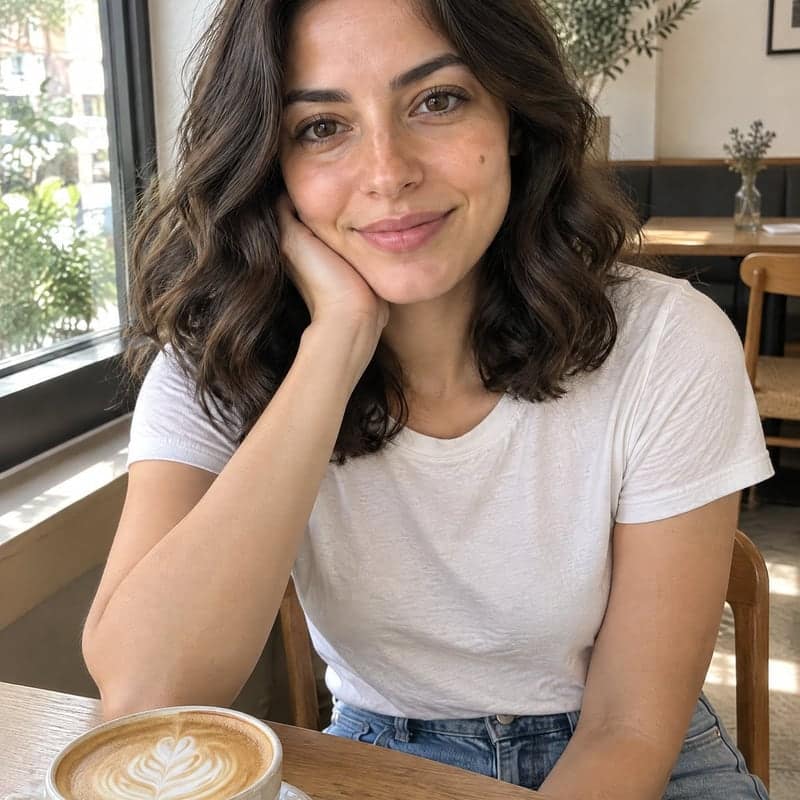
newAI Image Enhancer
 new
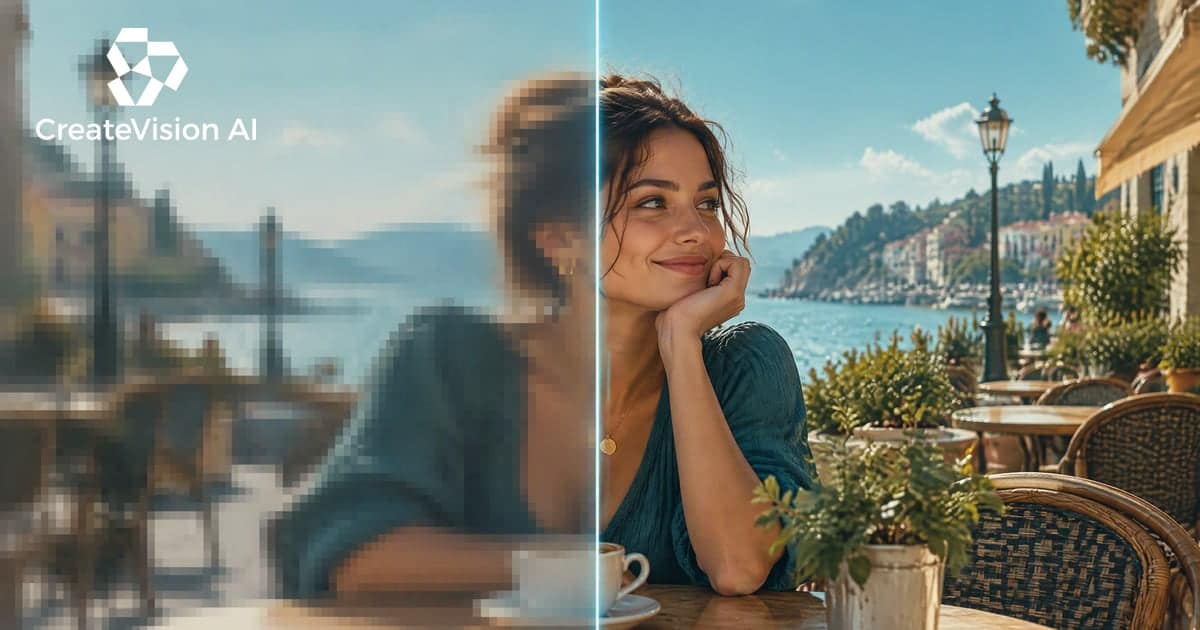
newAI Influencer Generator
 new
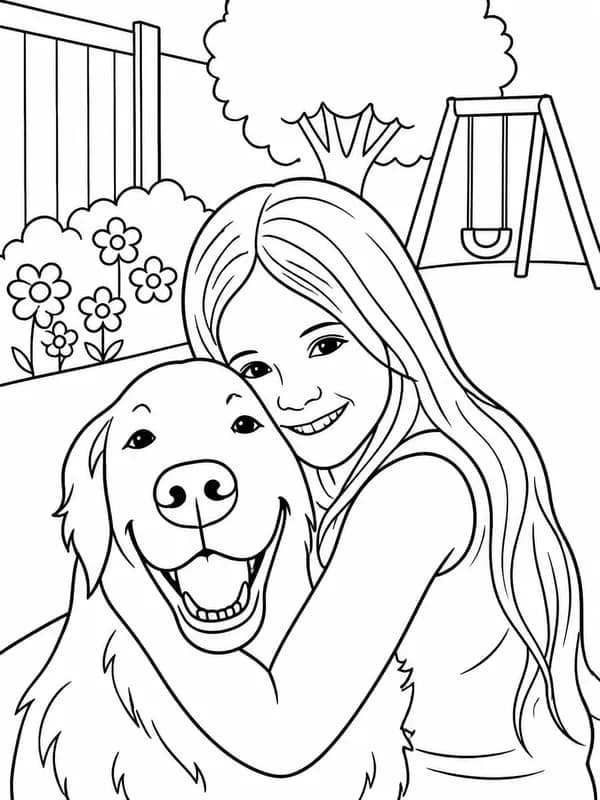
newAI Video Upscaler
 new
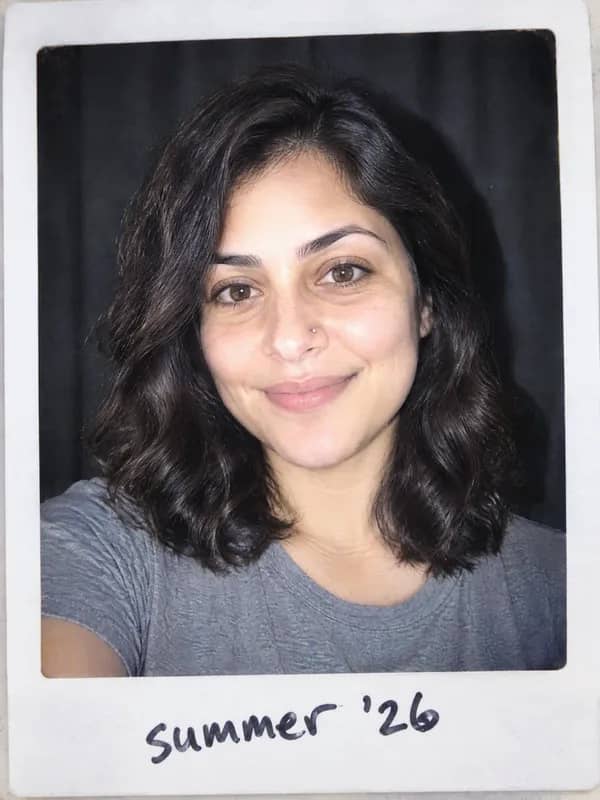
newAI Coloring Page Generator
 new
newAI Polaroid Generator
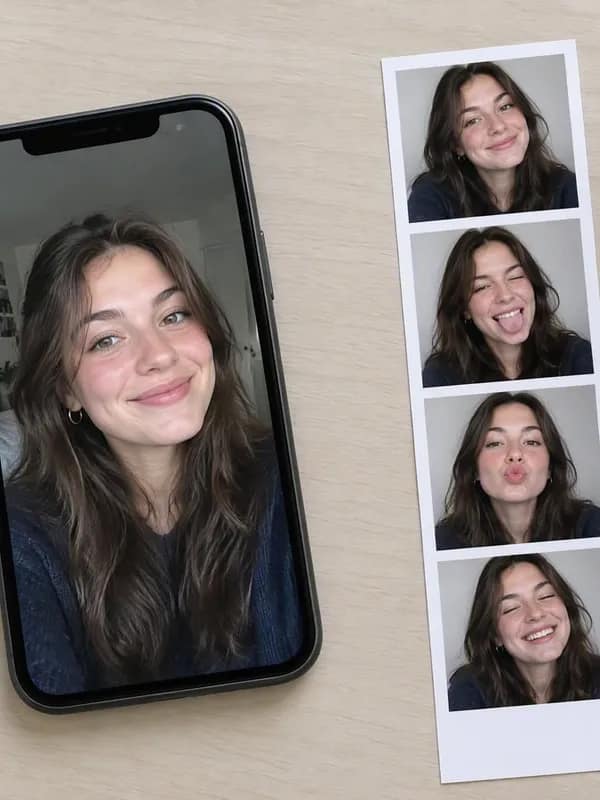 new
newAI Photo Booth
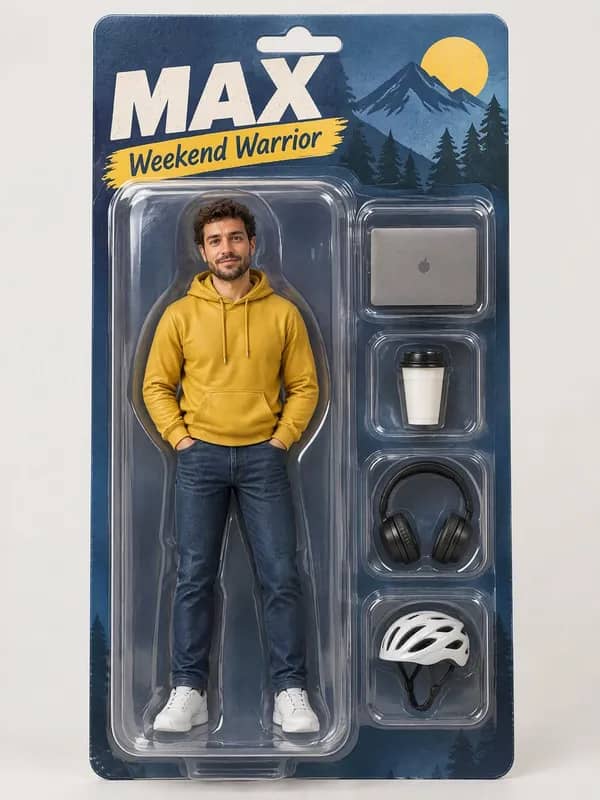 new
newAI Action Figure Generator
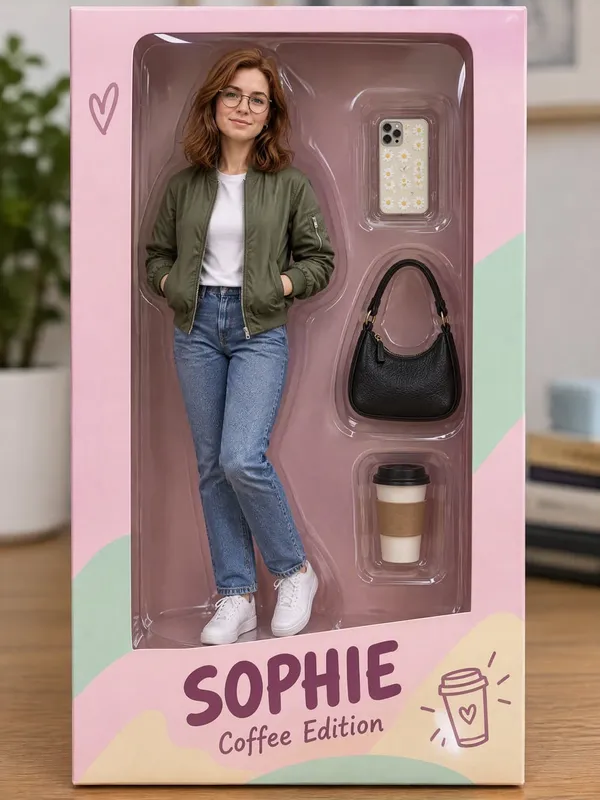 new
newAI Doll Generator
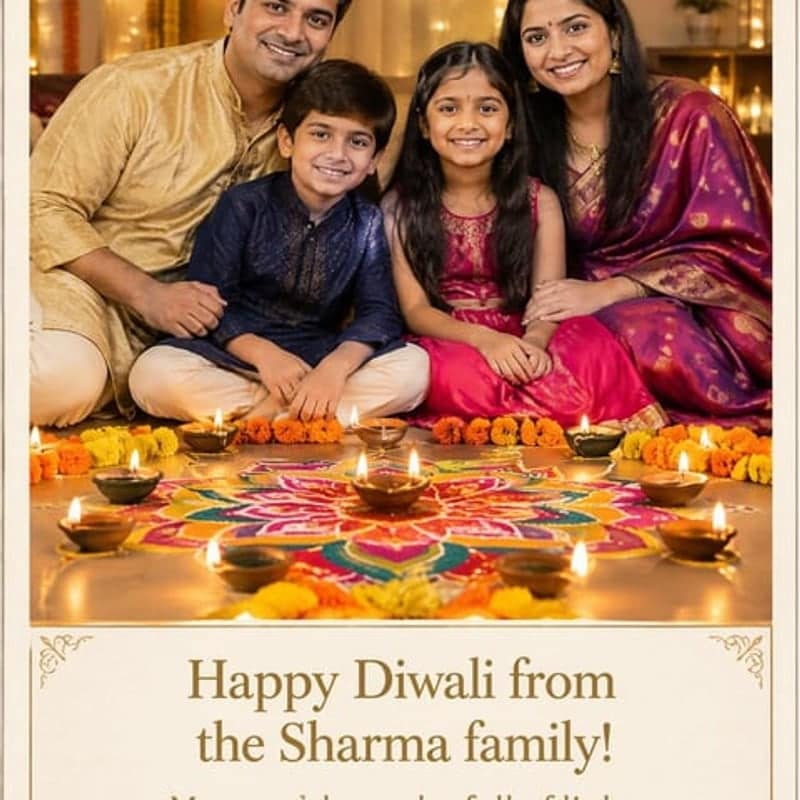 new
newAI Diwali Card & Poster Maker
 new
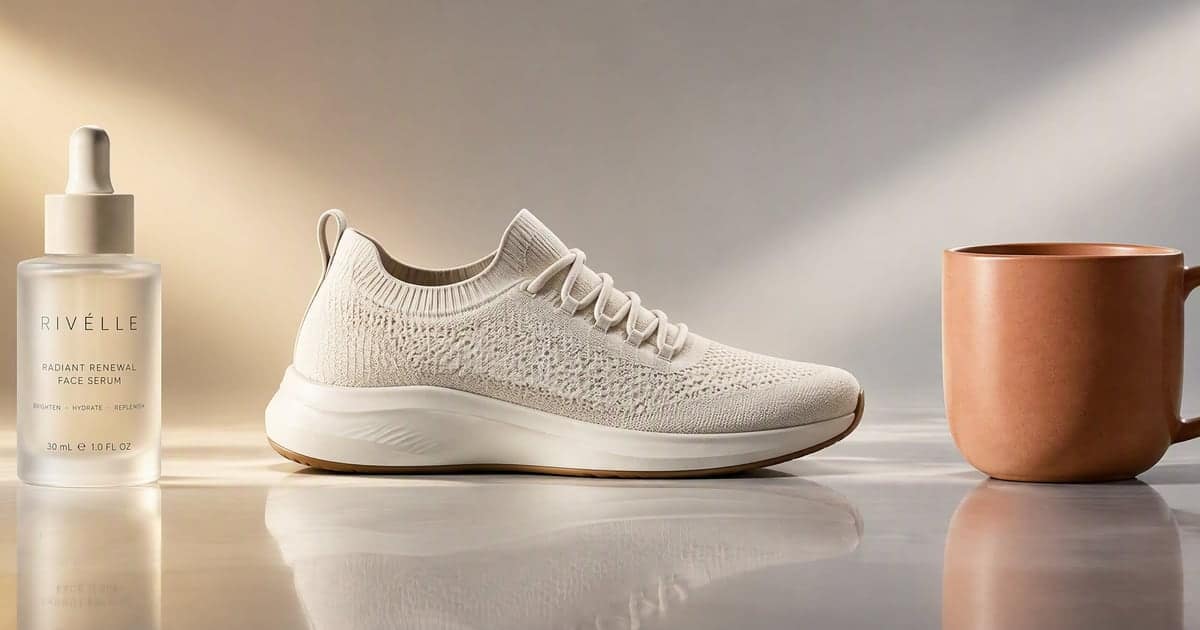
newAI Product Video Generator
 new
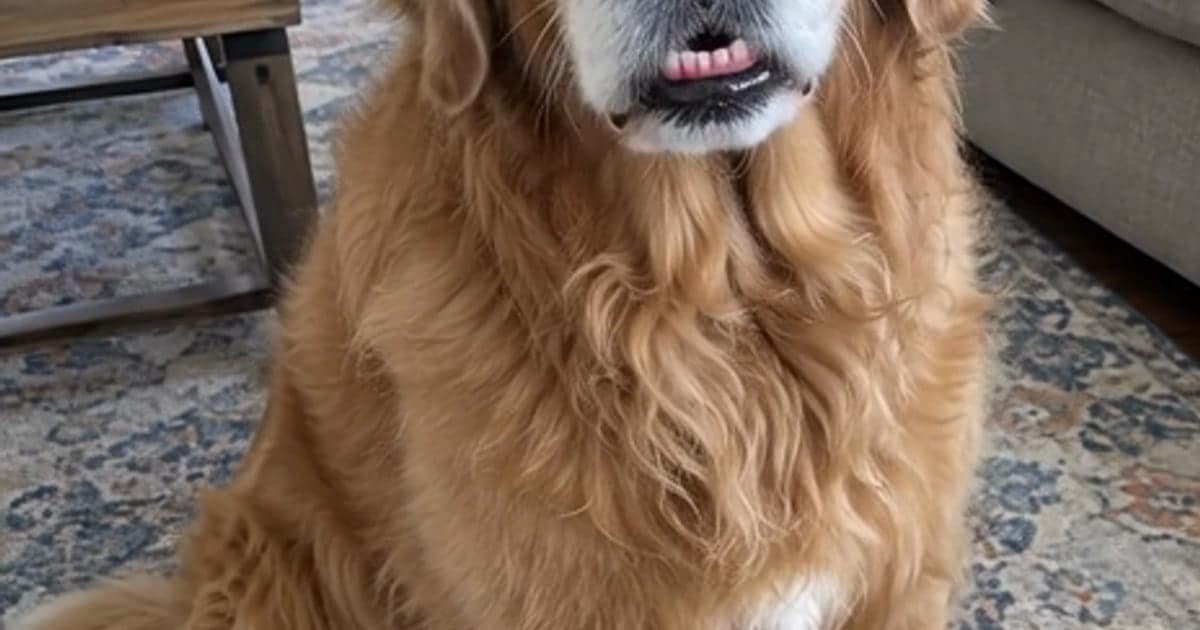
newTalking Pet AI
 new
newGIF Face Swap
 new
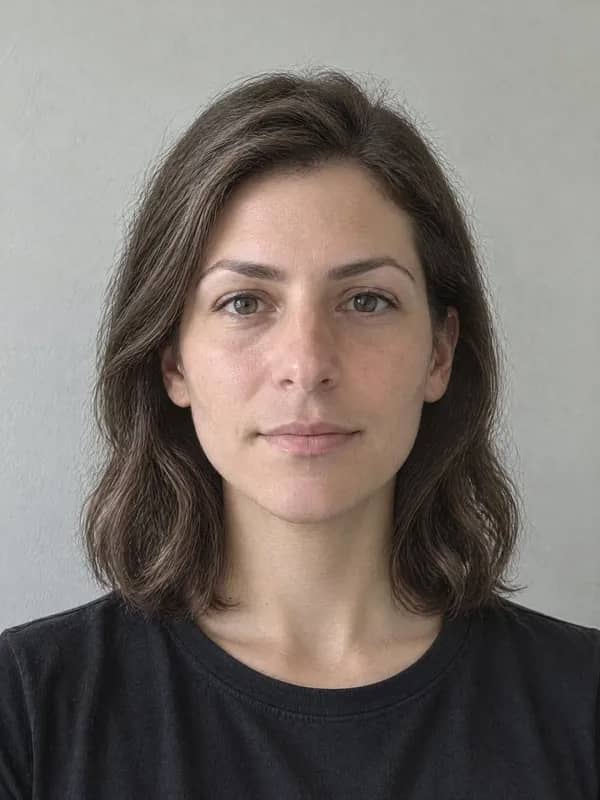
newVideo Face Swap
 new
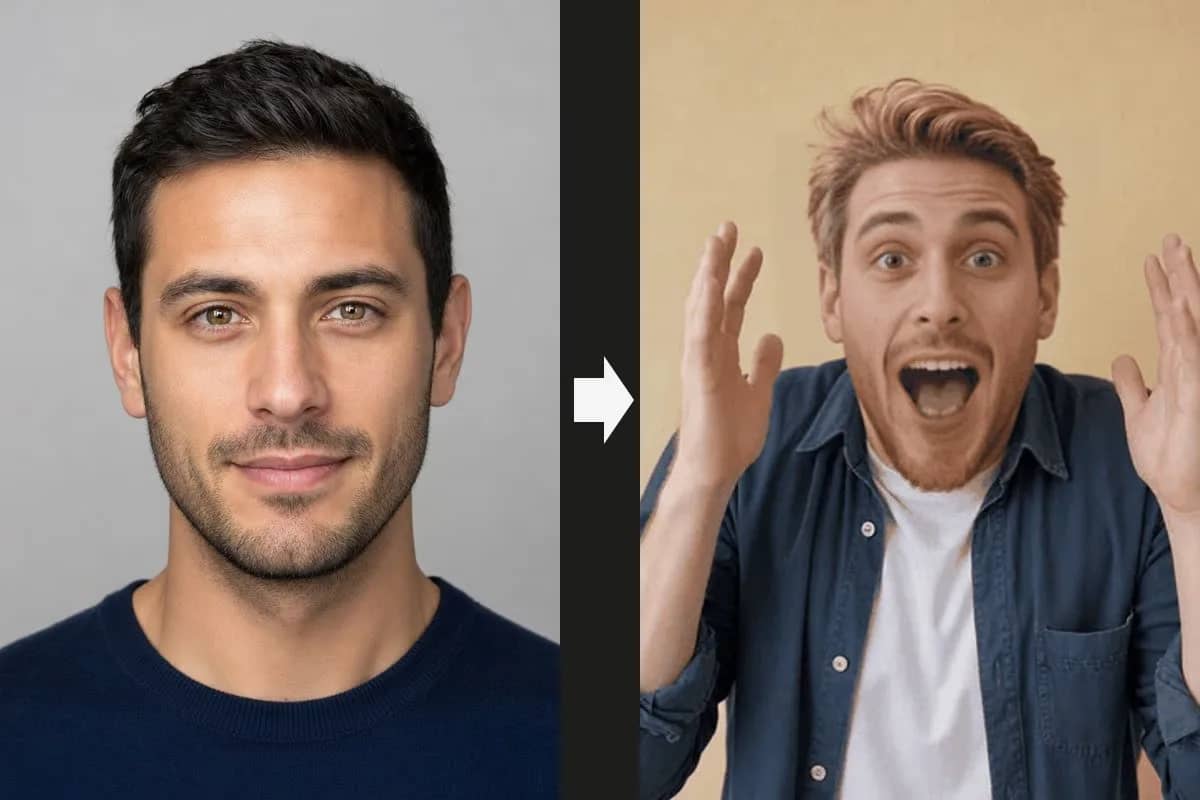
newAI Gender Swap
 new
newAI Aging Filter
 new
newAI Clothes Changer
 new
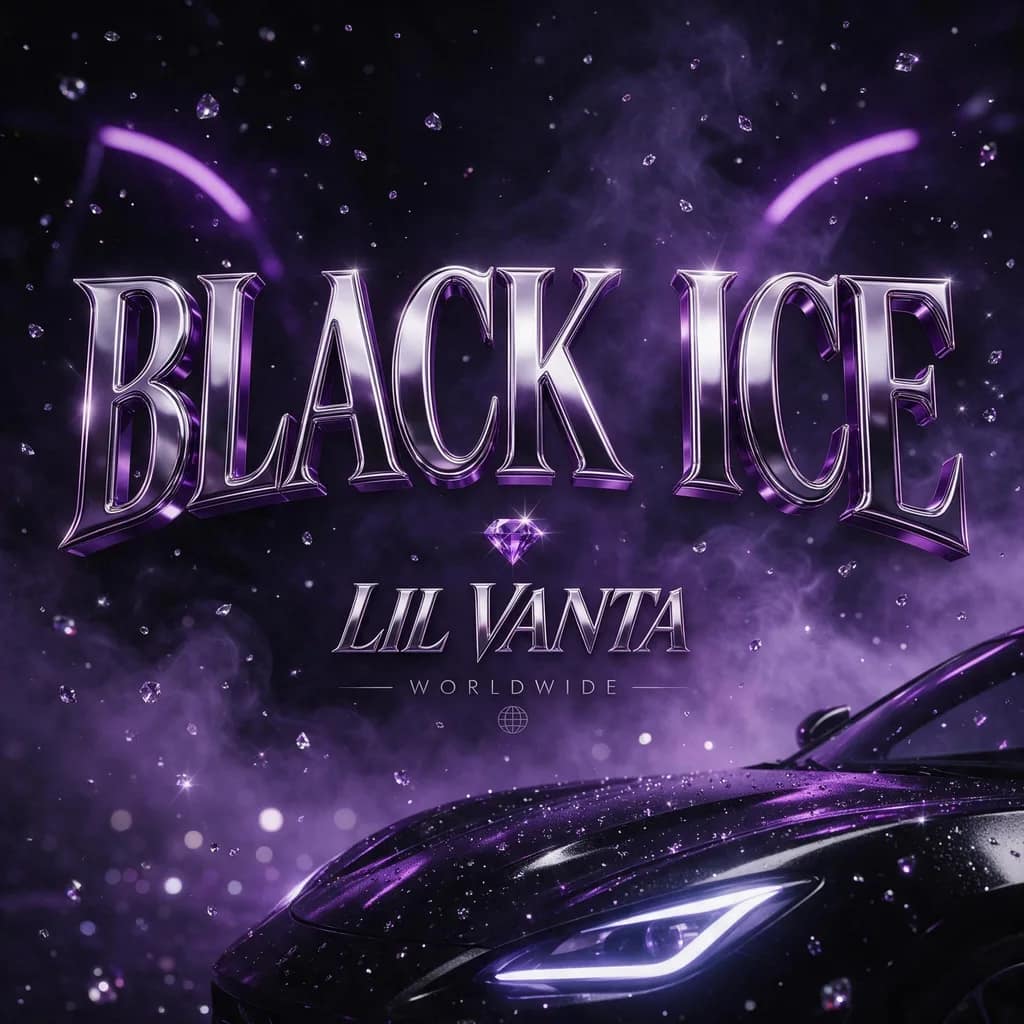
newAI Album Cover Generator
 new
newAI Bald Filter
 new
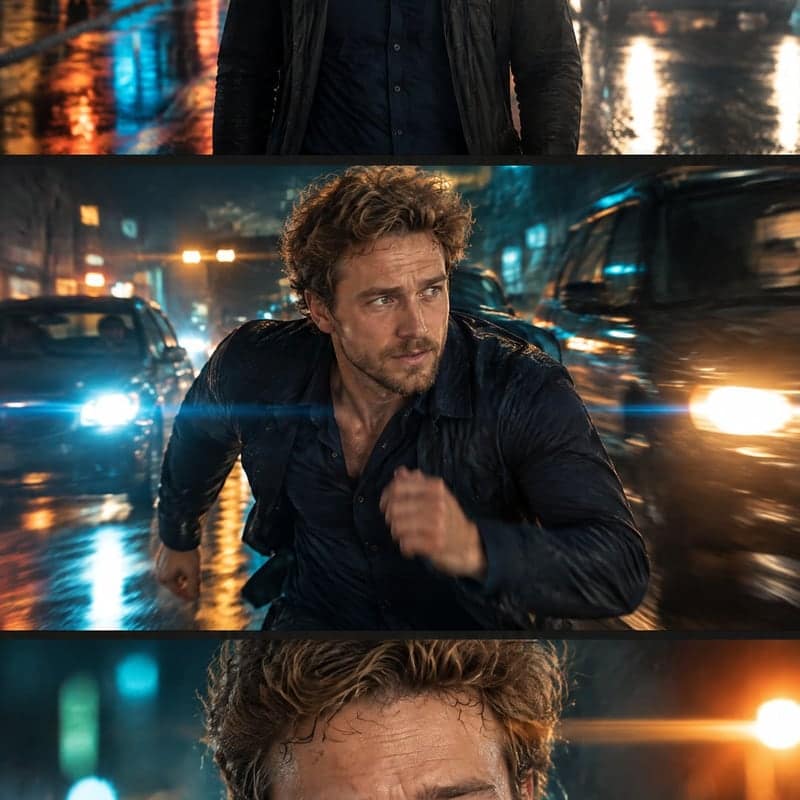
newAI Storyboard Generator
 new
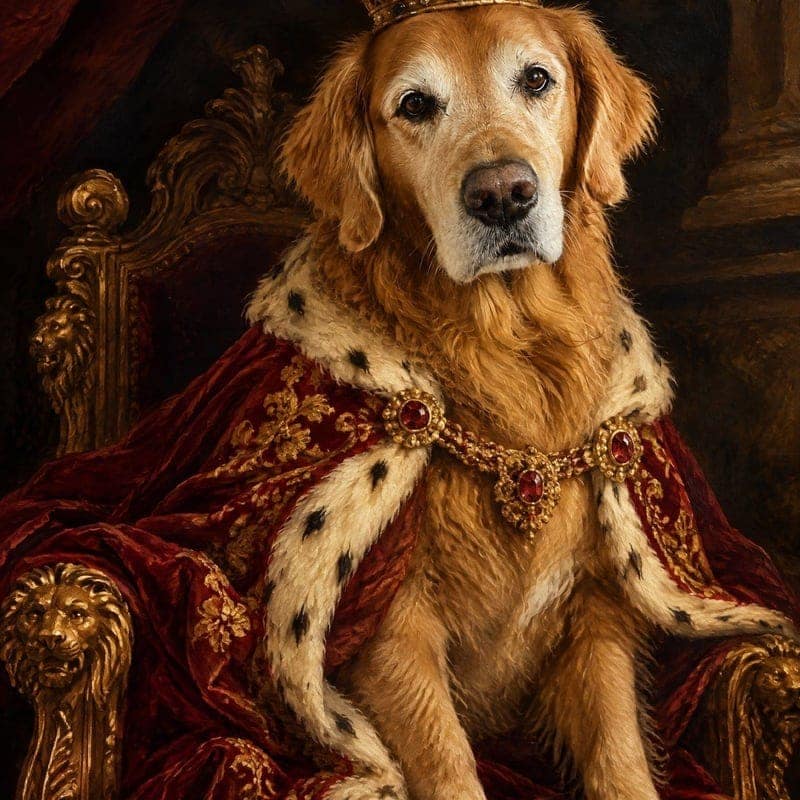
newAI Pet Portrait Generator
 new
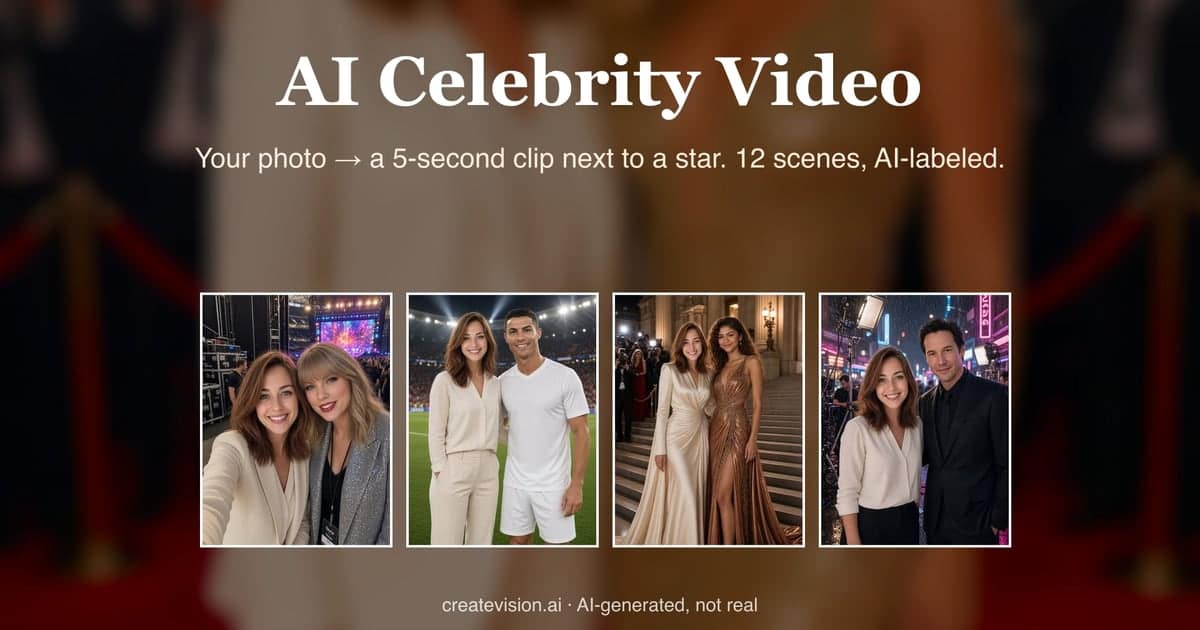
newAI Celebrity Video
 new
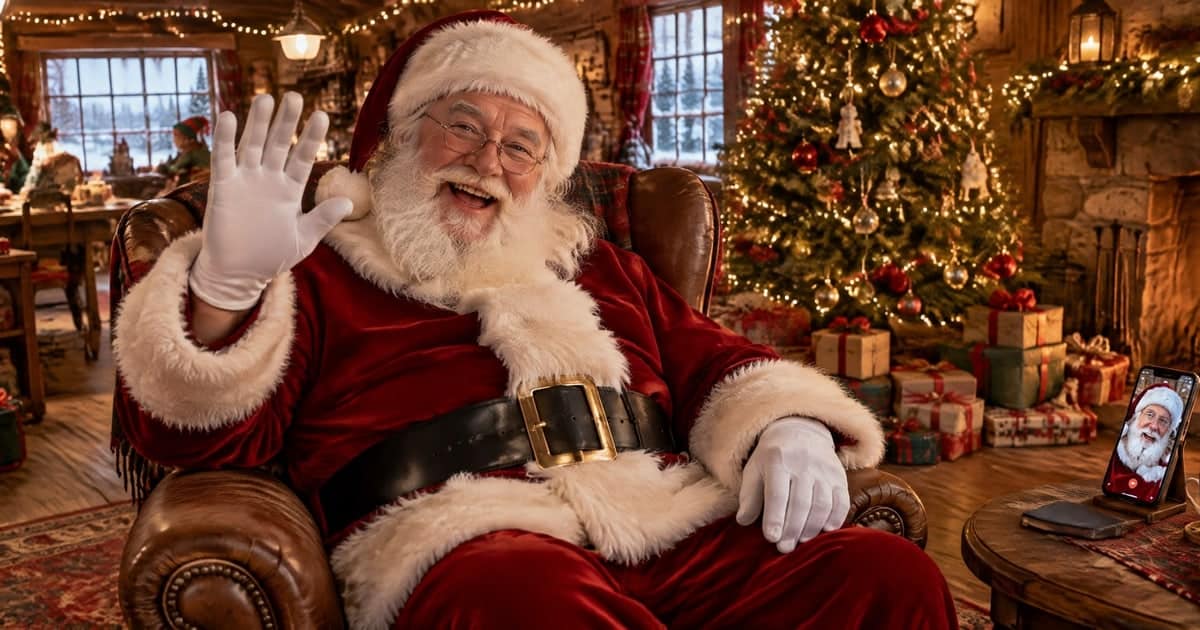
newAI Santa Video
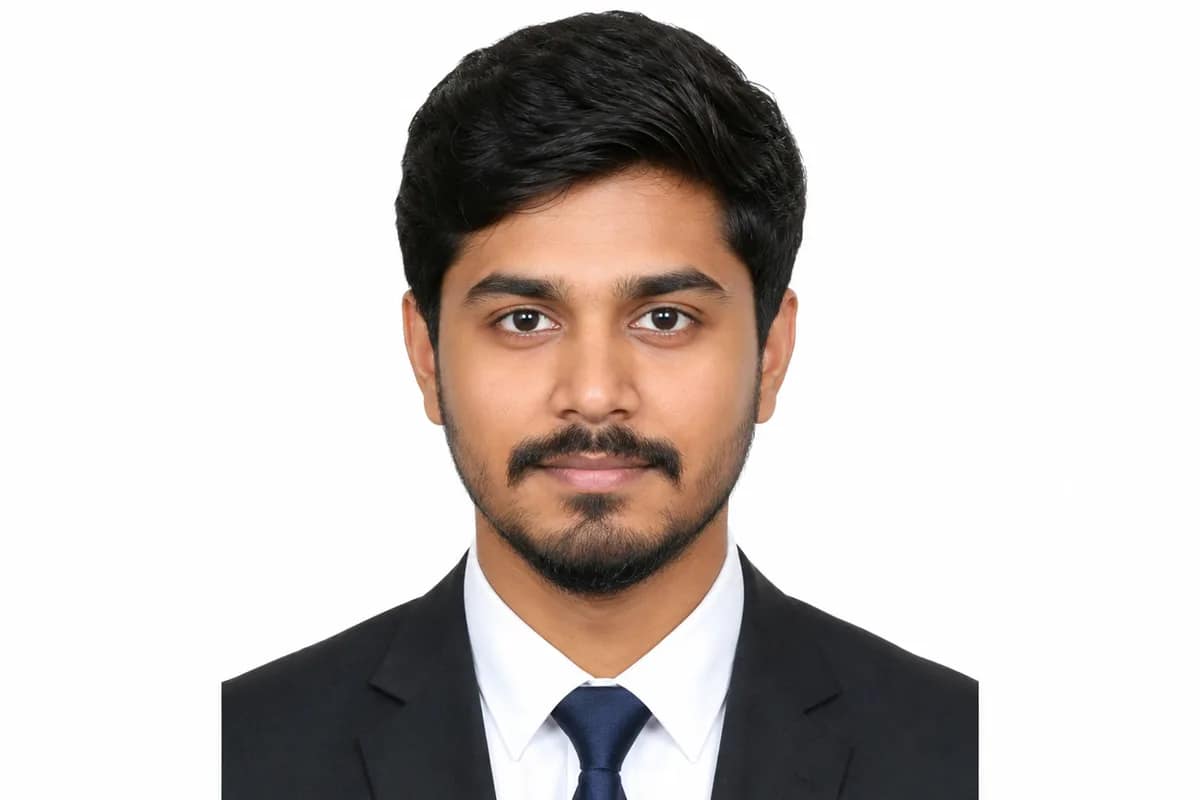
AI ID Photo Maker
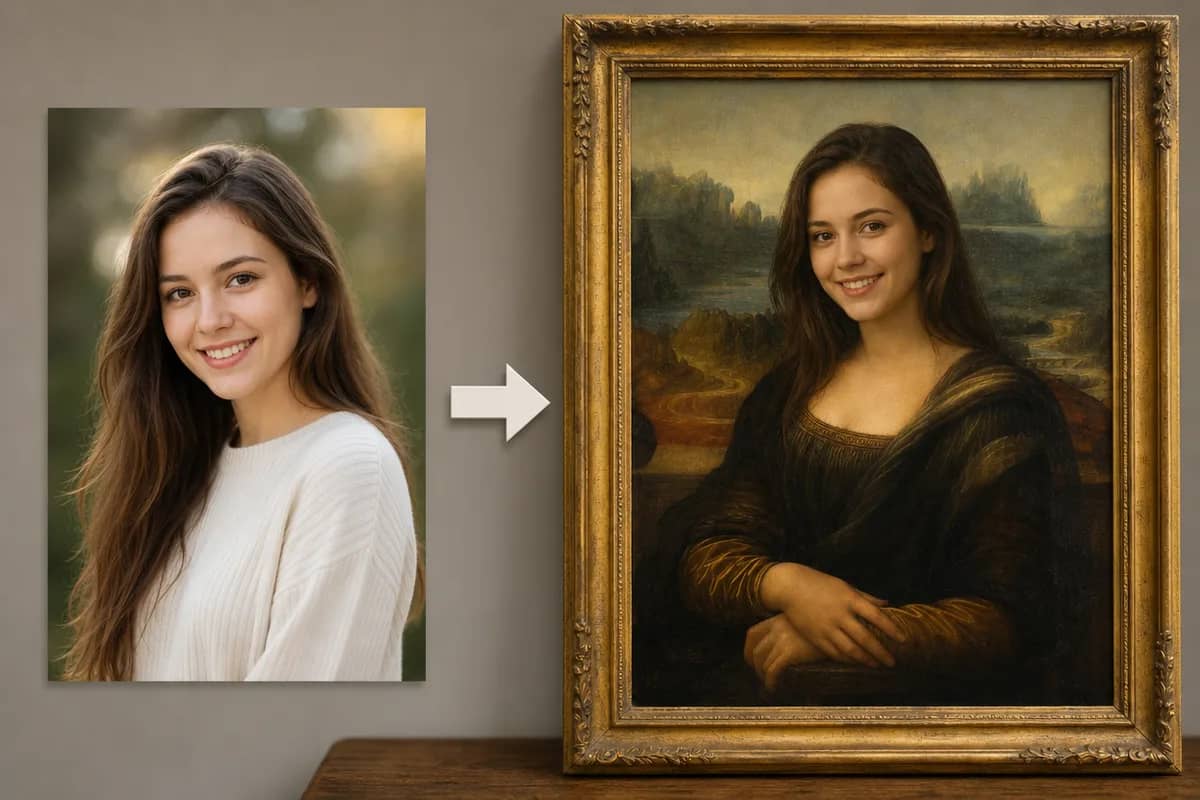
AI Face Swap
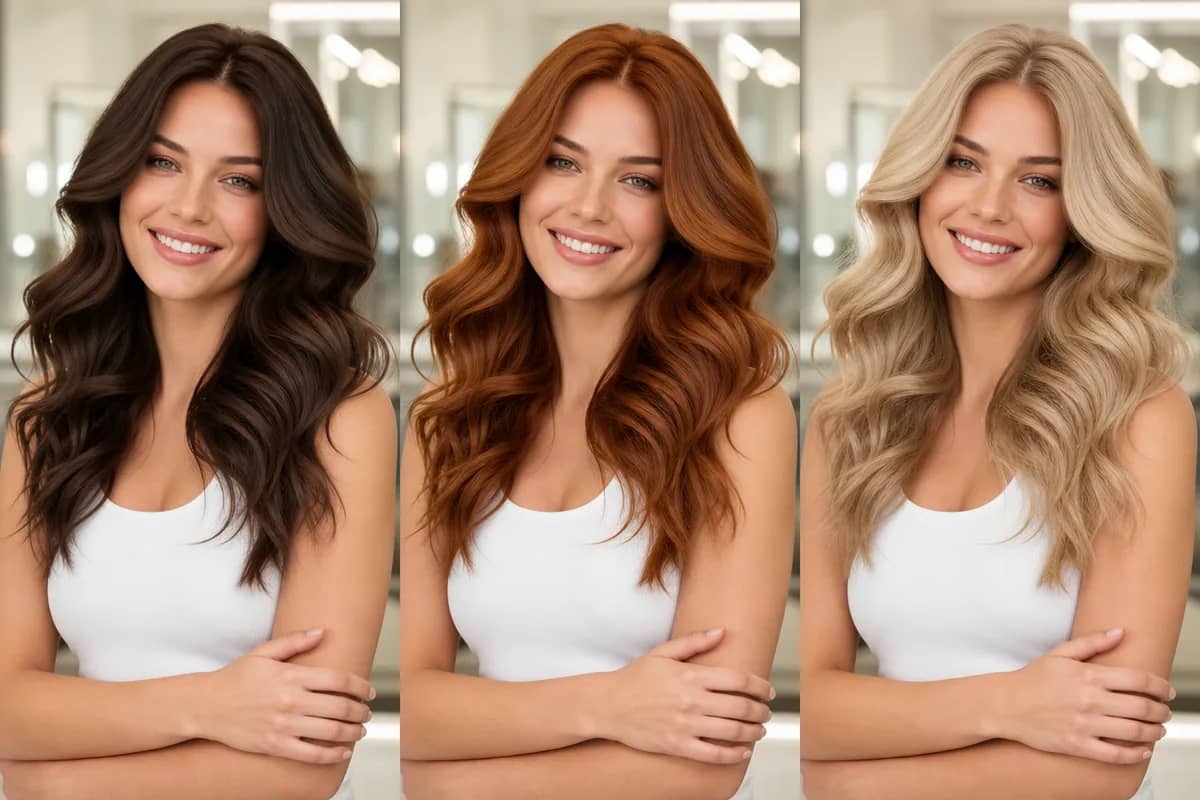
AI Hair Color Changer
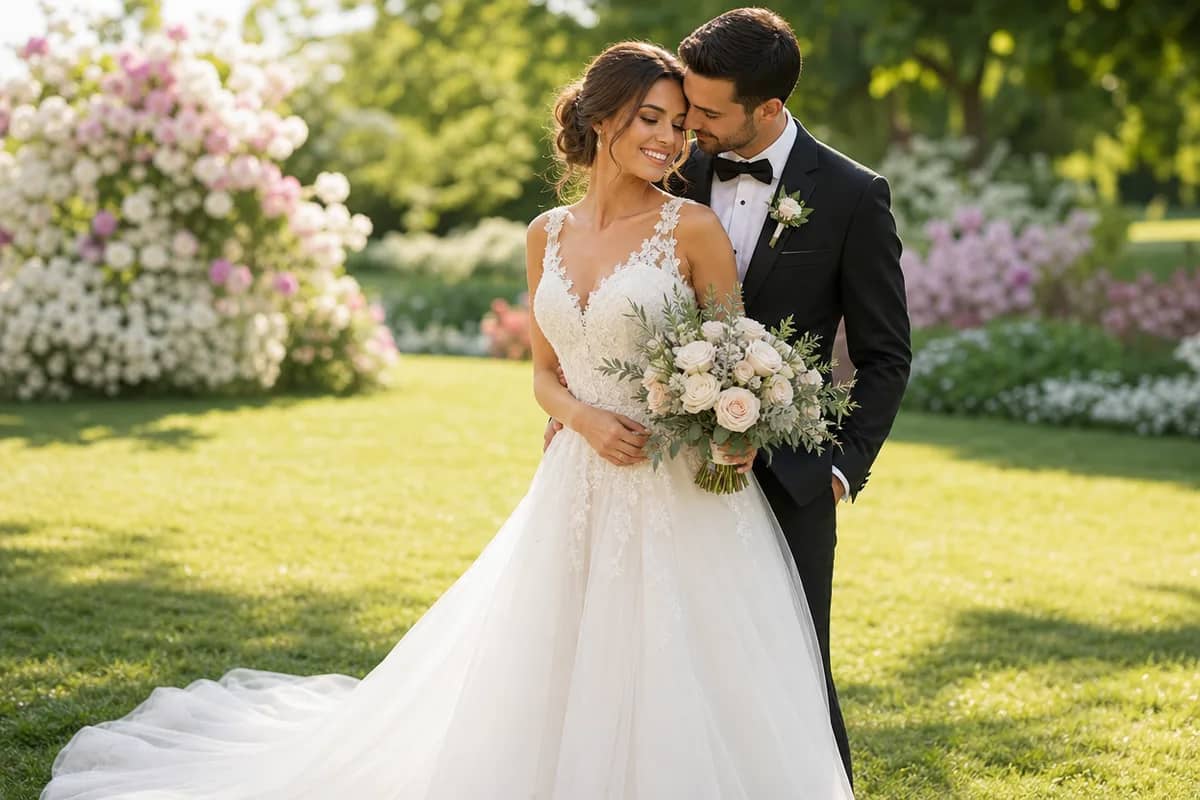
AI Wedding Photo Generator
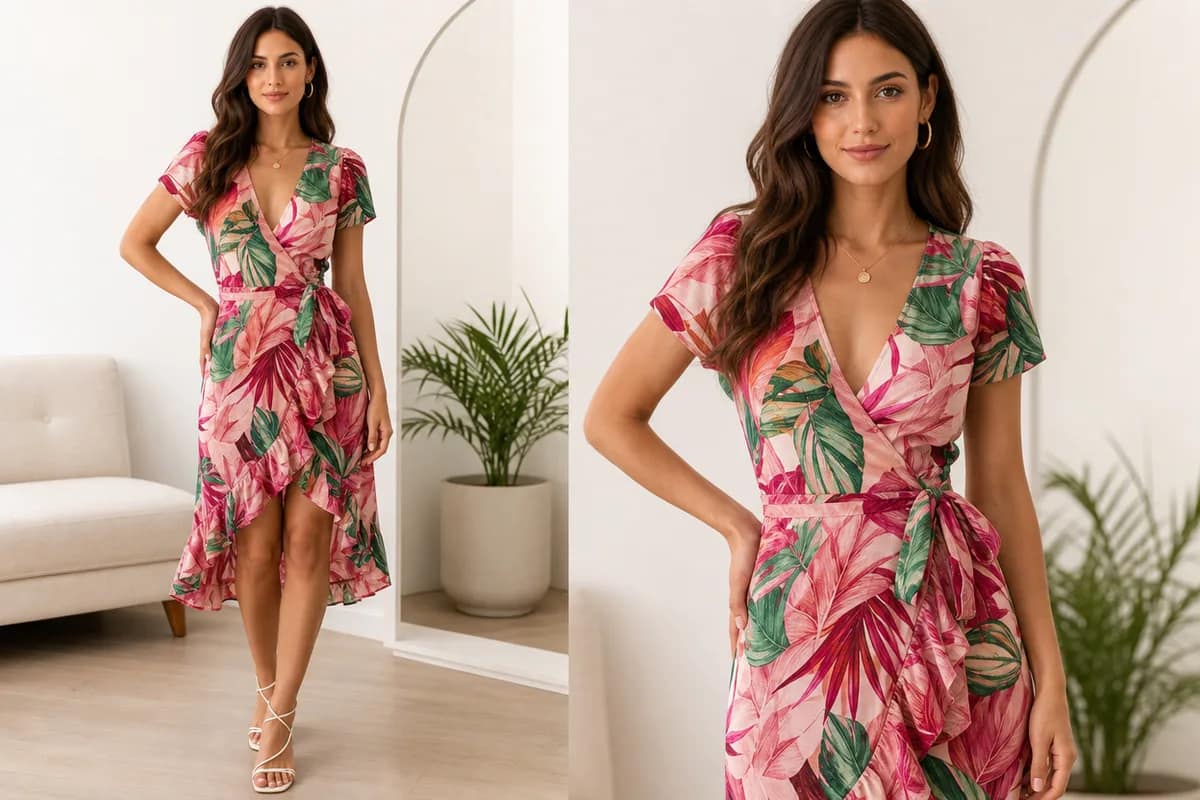
AI Virtual Try-On
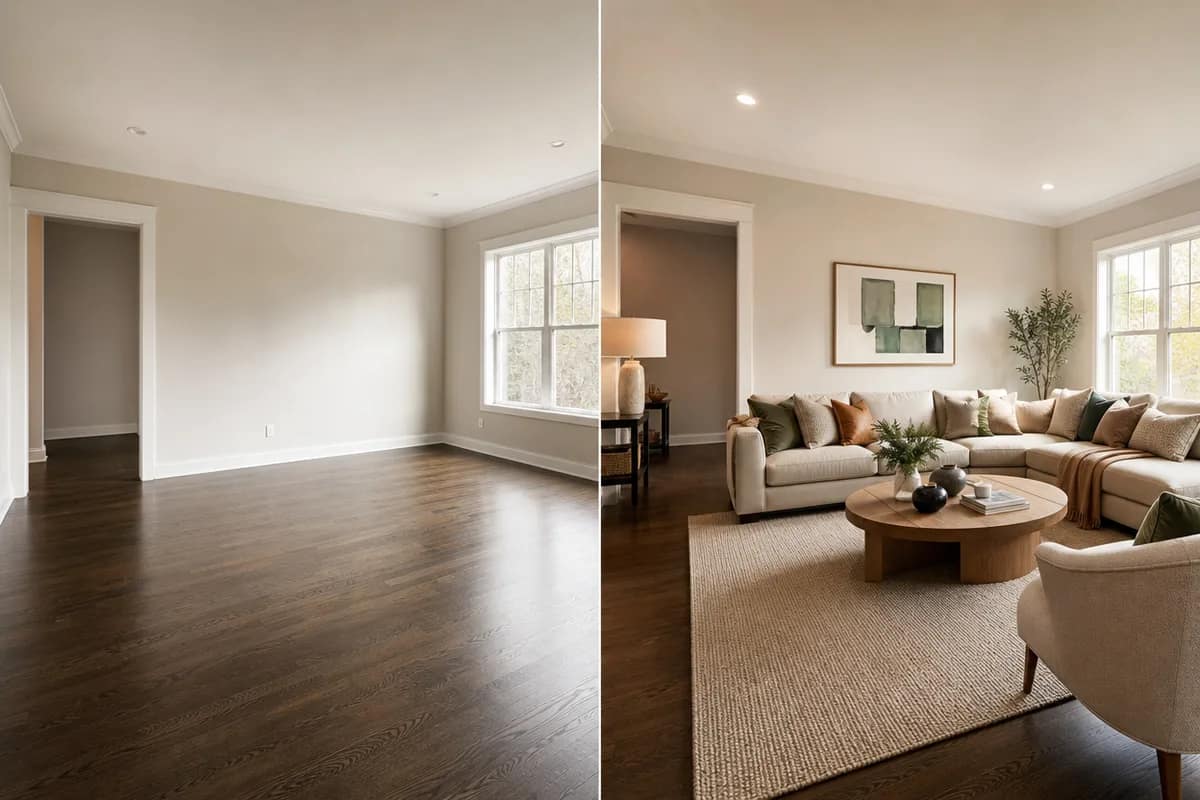
AI Room Design
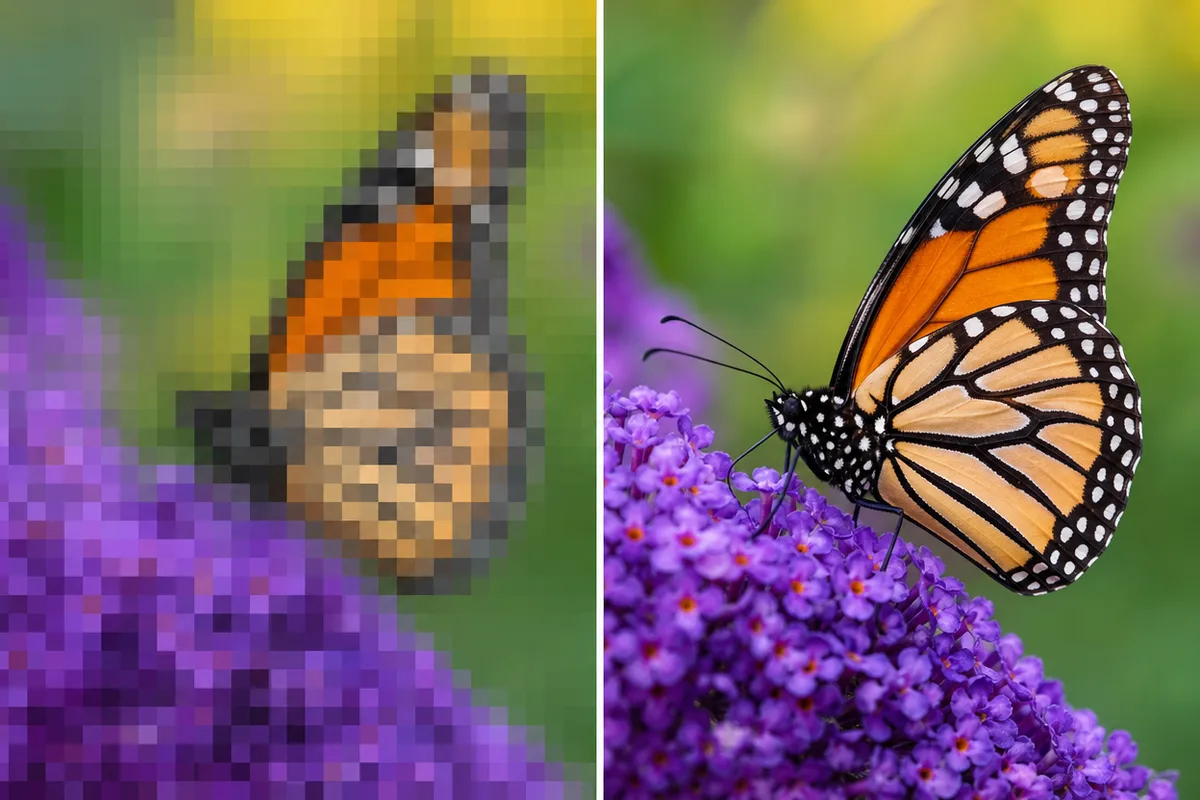
AI Image Upscaler
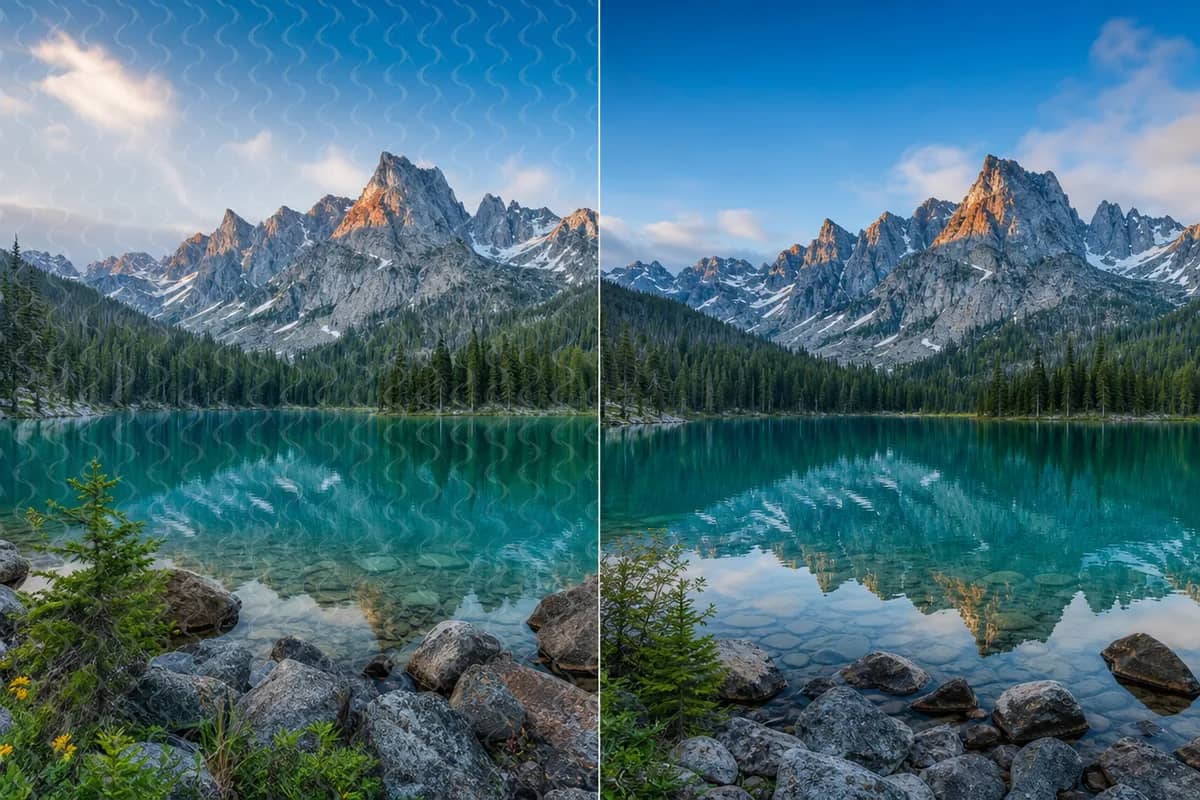
AI Watermark Remover
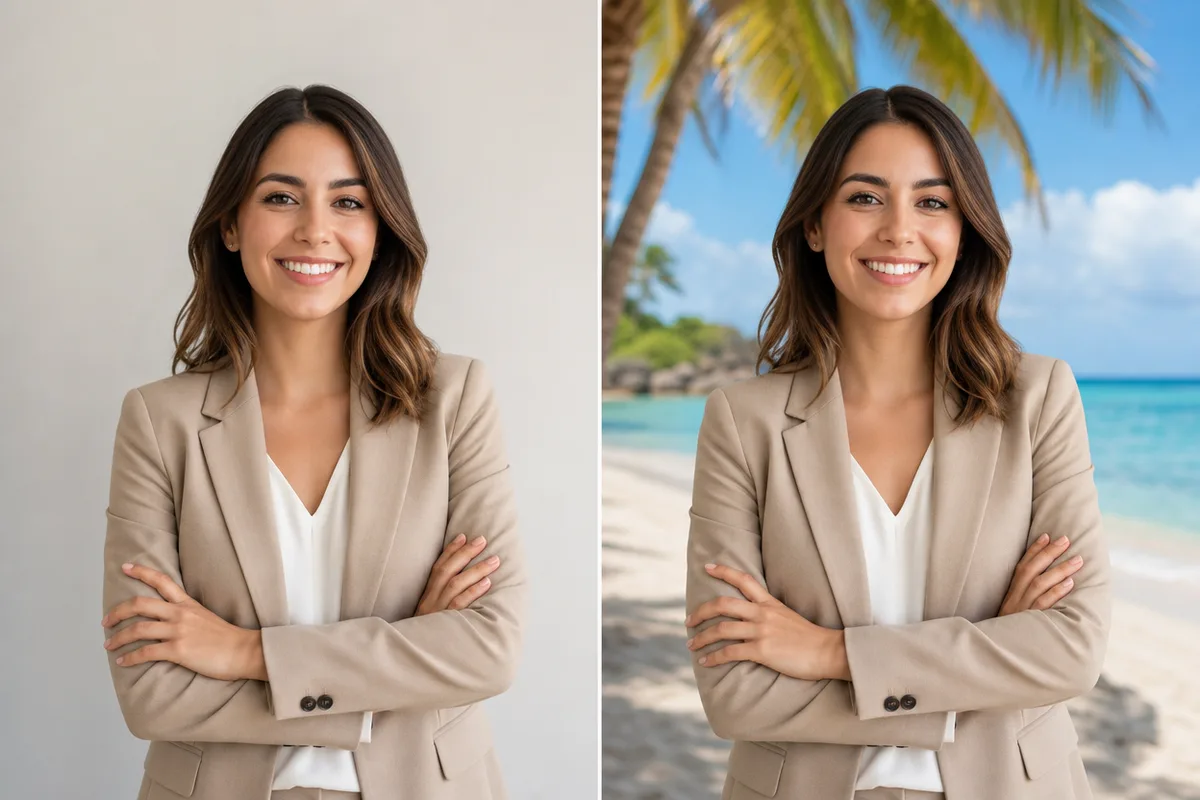
AI Background Changer

AI Anime Avatar
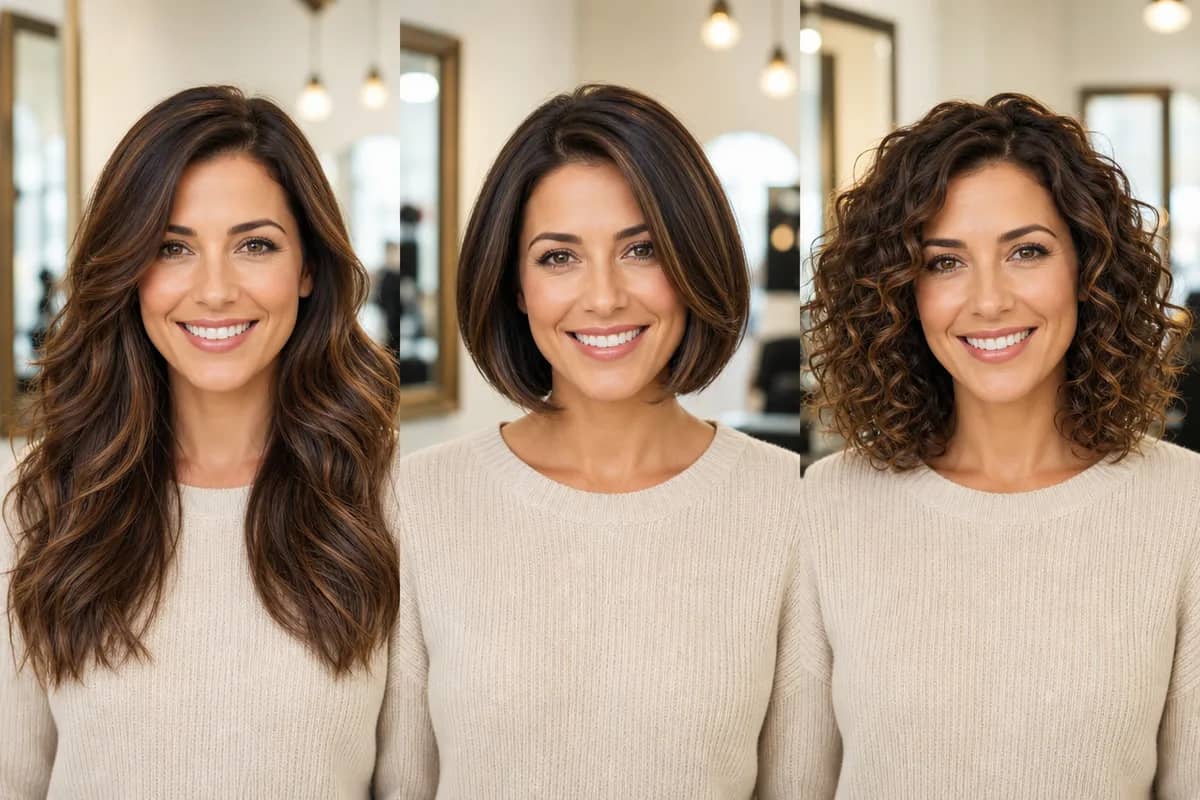
AI Hairstyle Changer
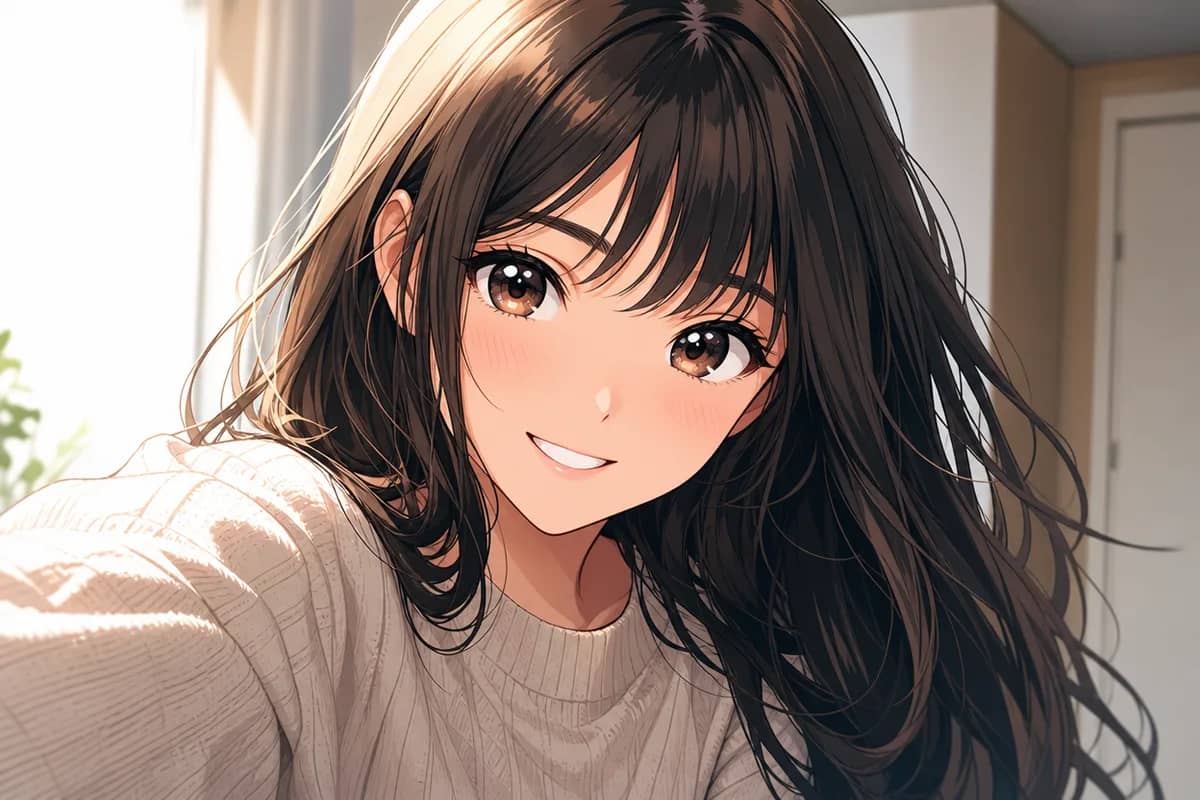
AI Photo to Anime
AI Art Style Transfer
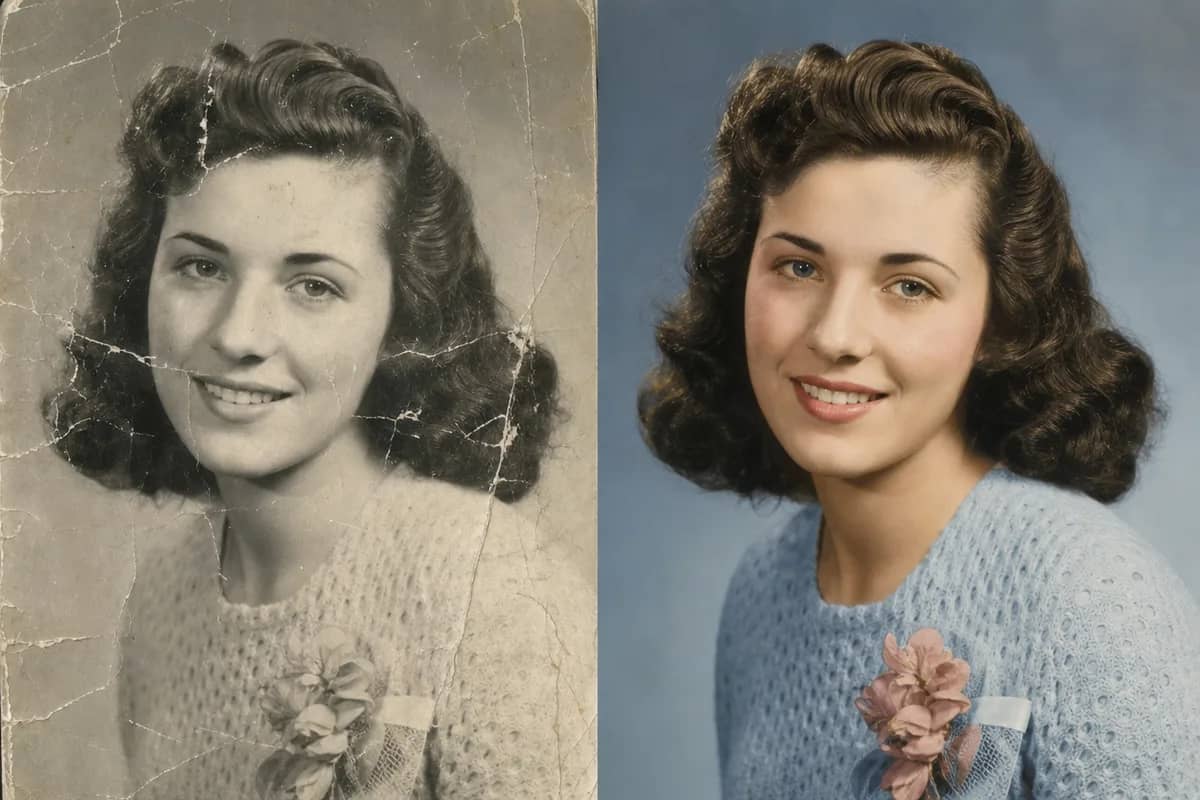
AI Old Photo Restoration
AI Background Remover
AI Cartoon Portrait

AI Christmas Card Generator

AI Valentine Card Maker

AI Mother’s Day Card Maker
AI Father’s Day Card Maker
AI Family Photo Generator
AI Past and Present Photo
AI Halloween Photo & Costume Generator
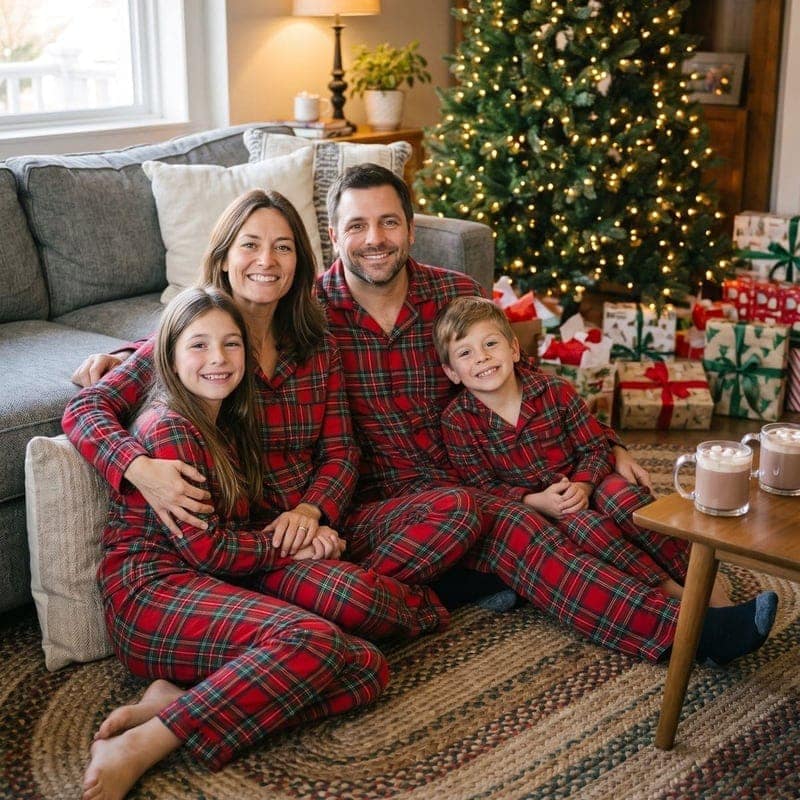
AI Christmas Photo Generator
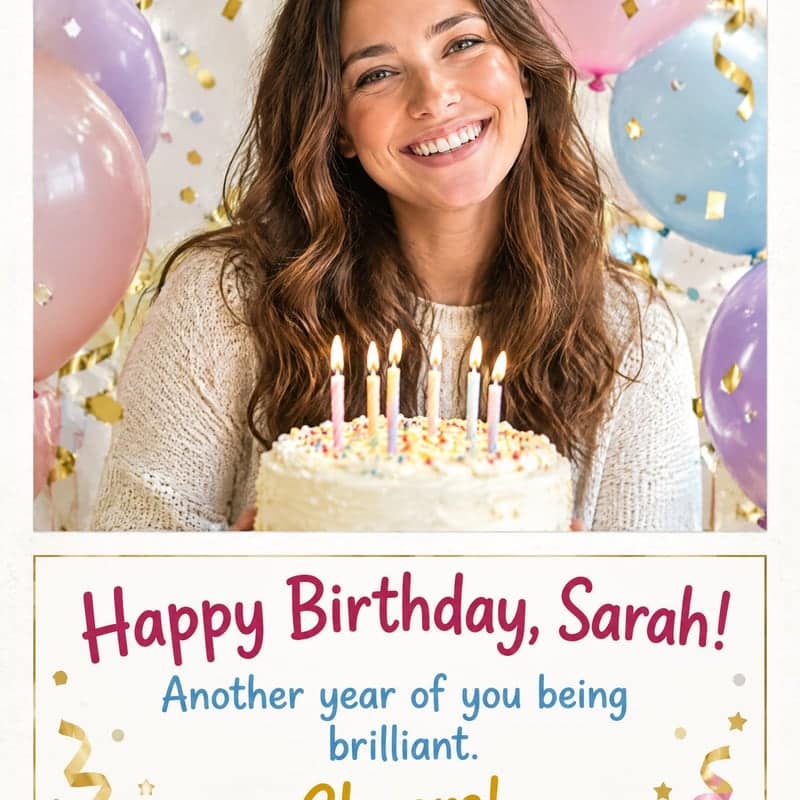
AI Birthday Card Generator
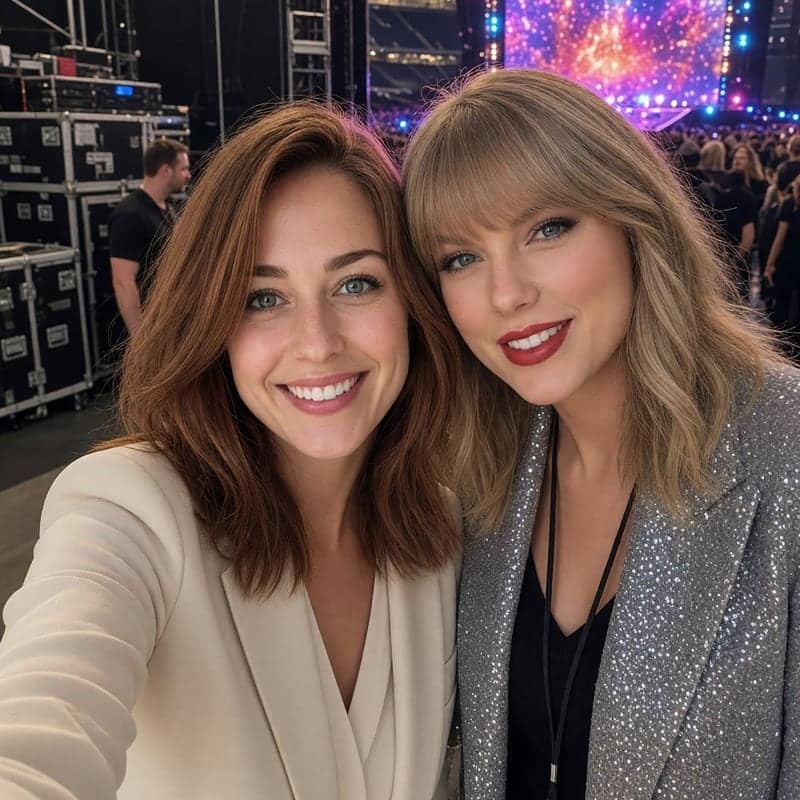
AI Celebrity Photo
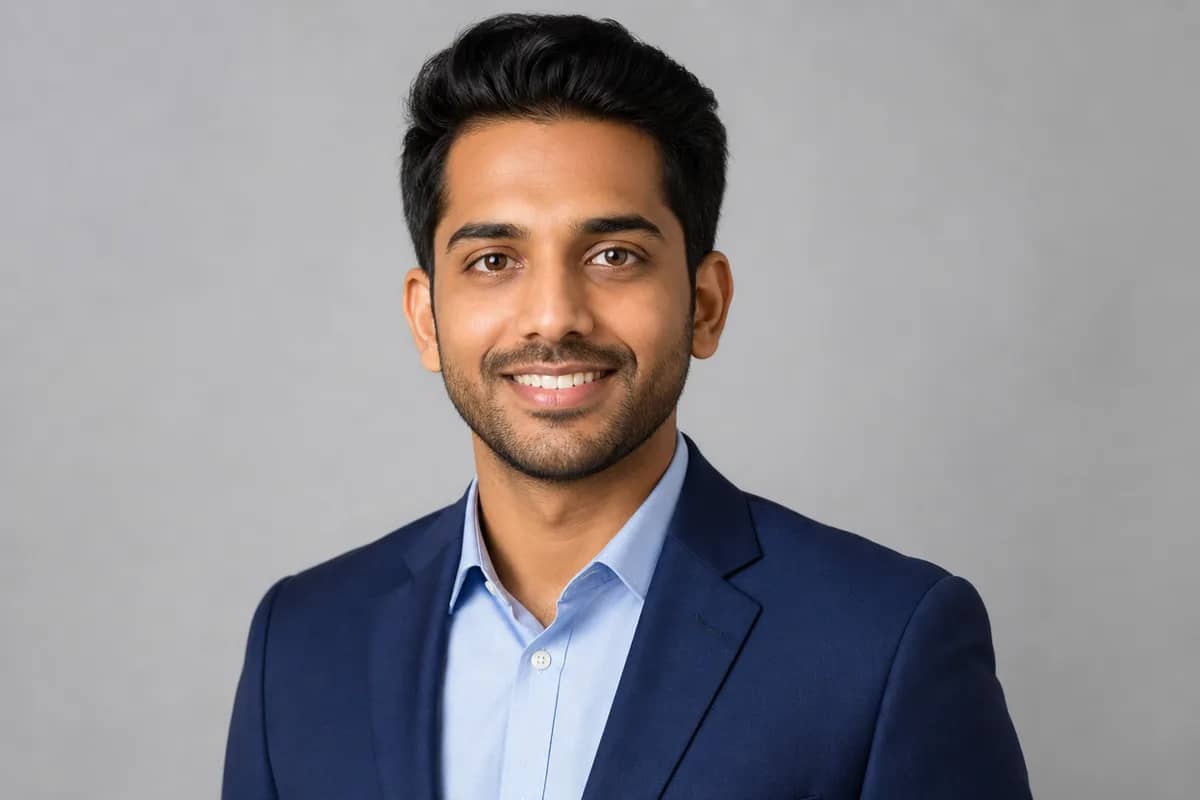
AI Headshot Generator
AI Product Mockup
Virtual Staging AI
AI Time Travel Photo
AI Photo to Sketch
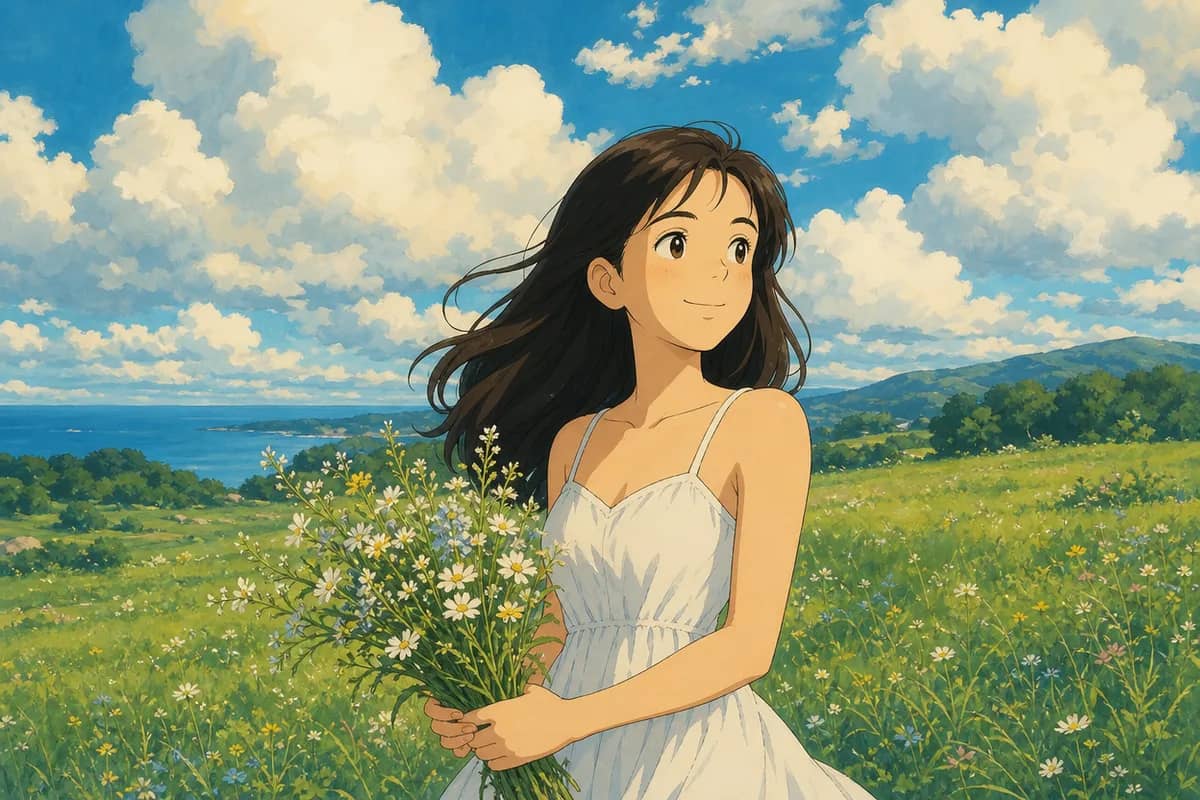
AI Photo to Ghibli
AI Logo Generator
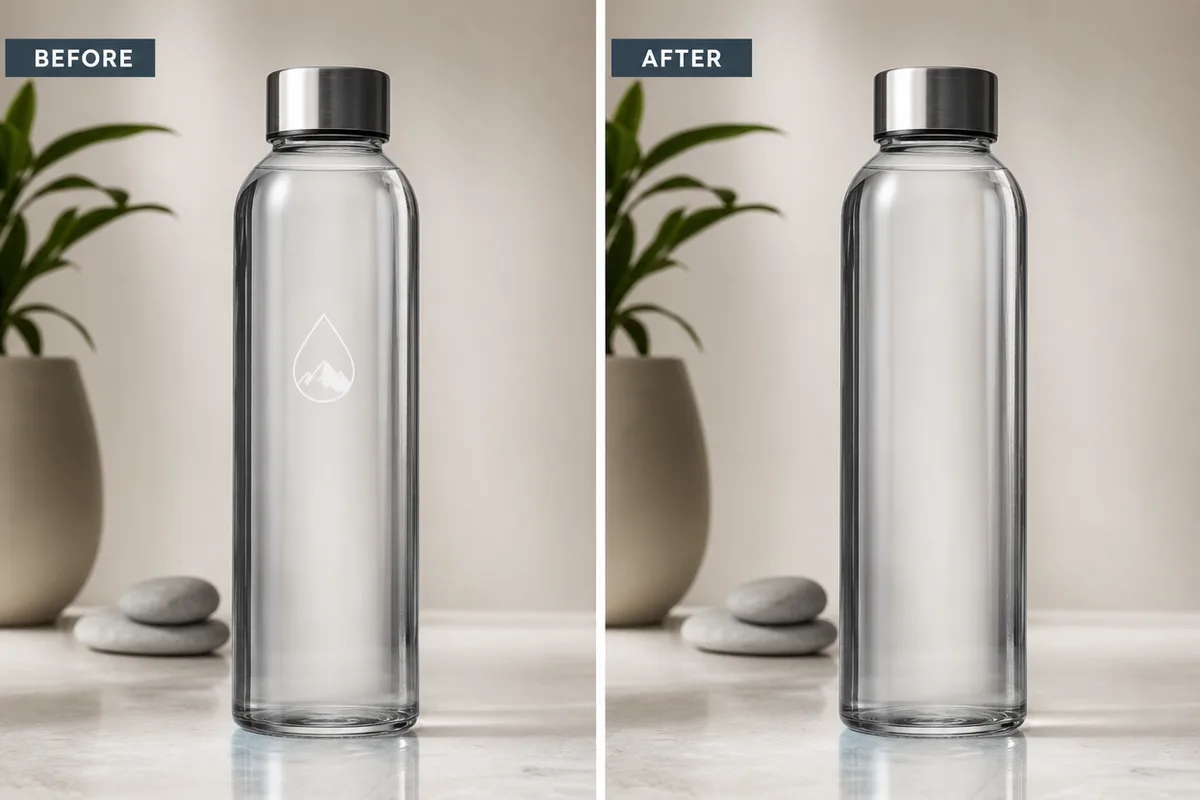
AI Logo Remover
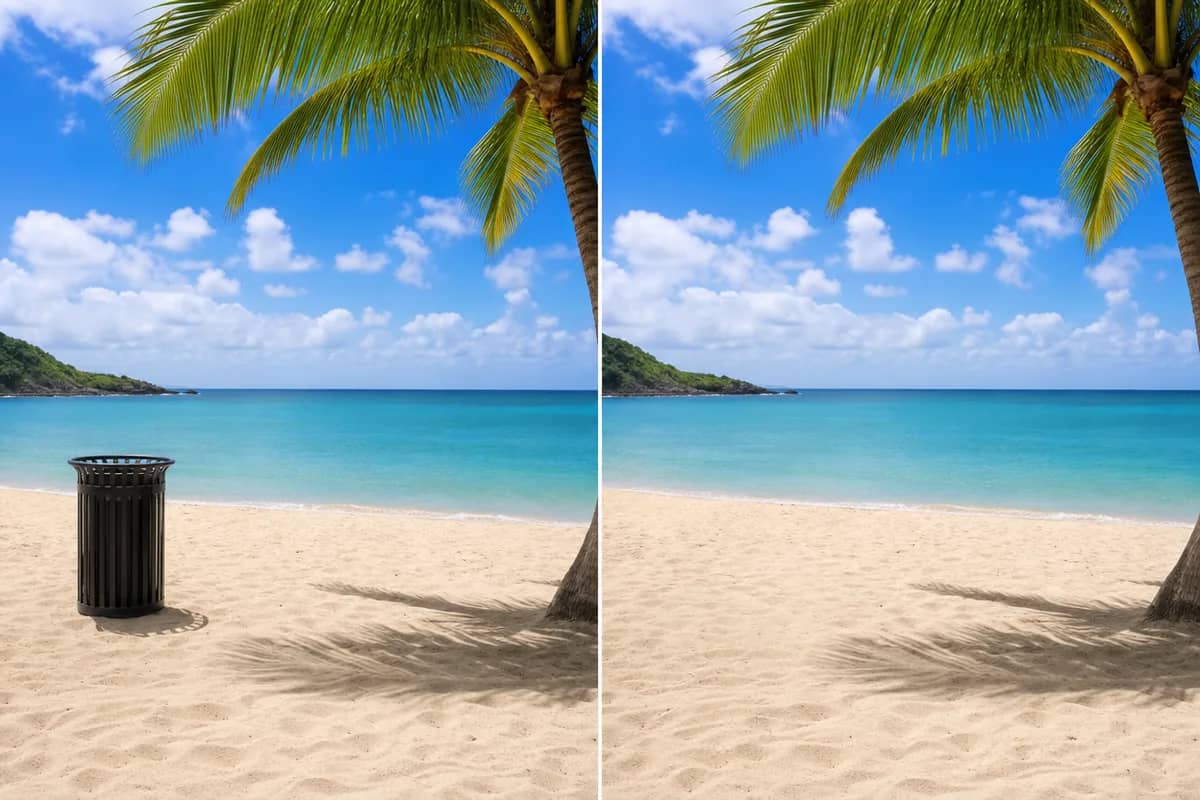
AI Object Remover
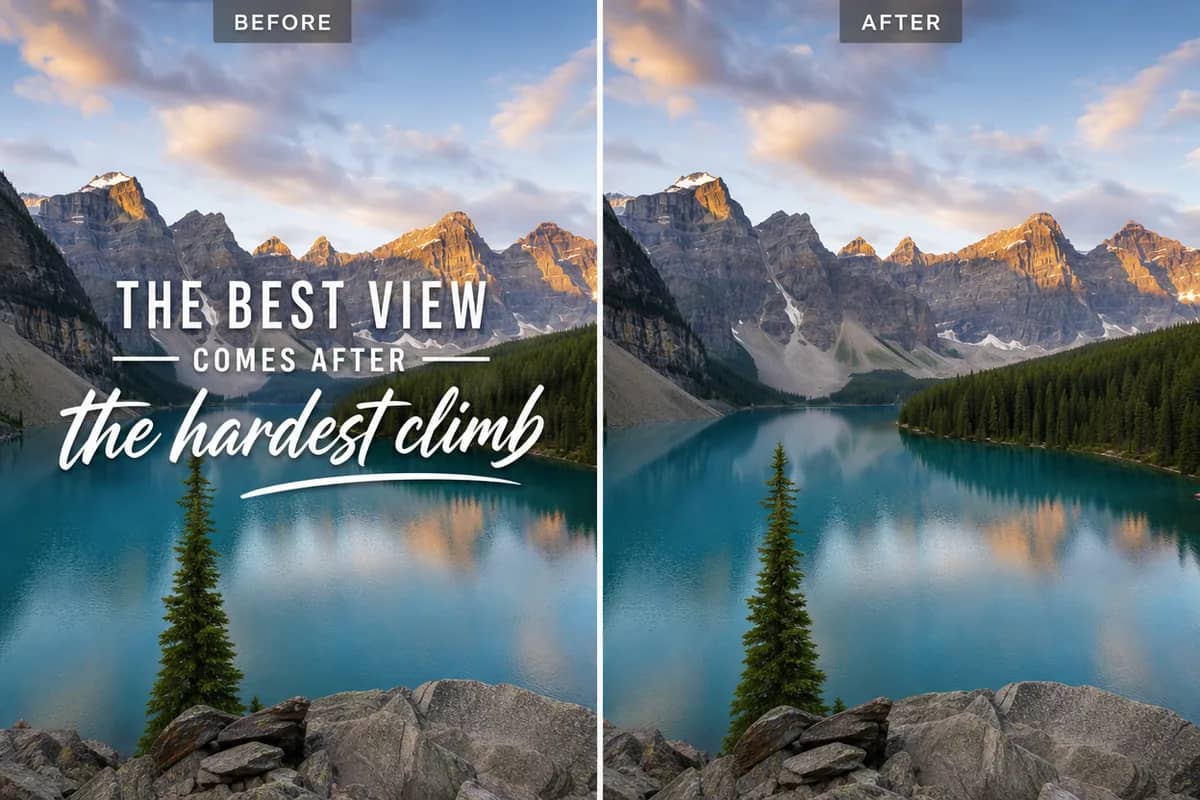
AI Text Remover
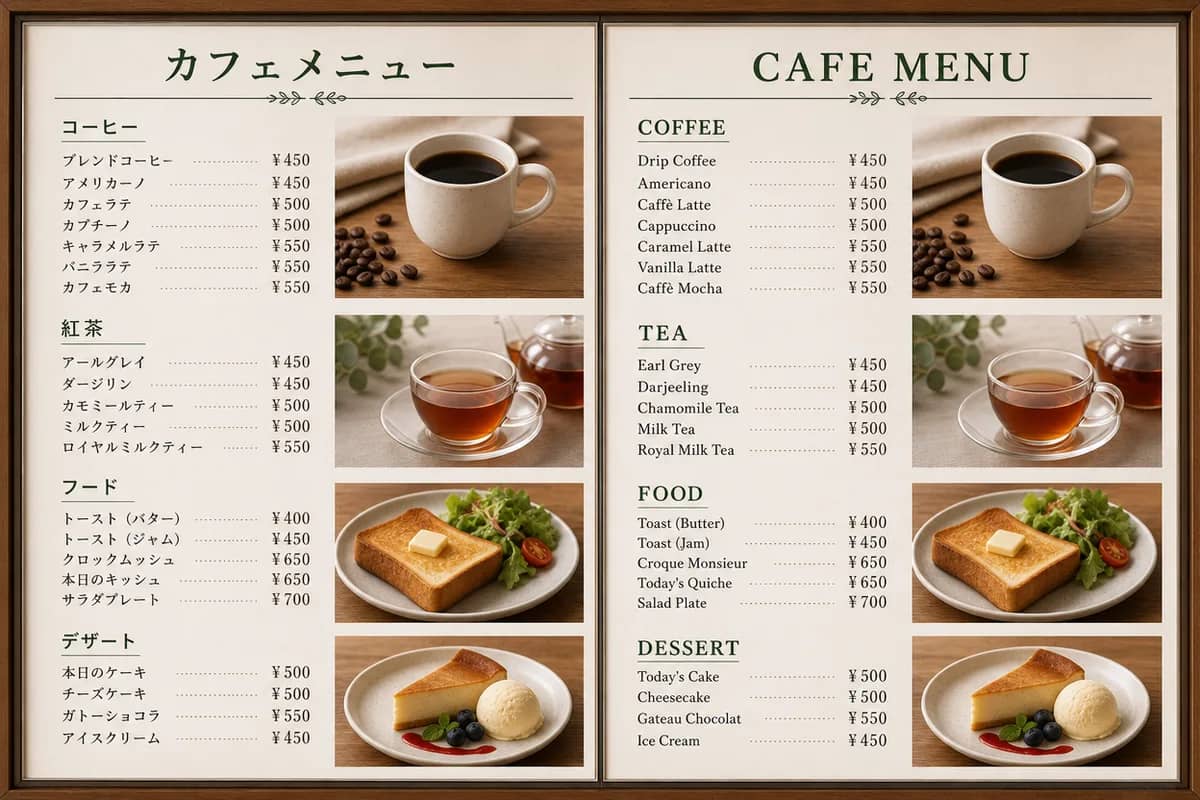
AI Image Translator
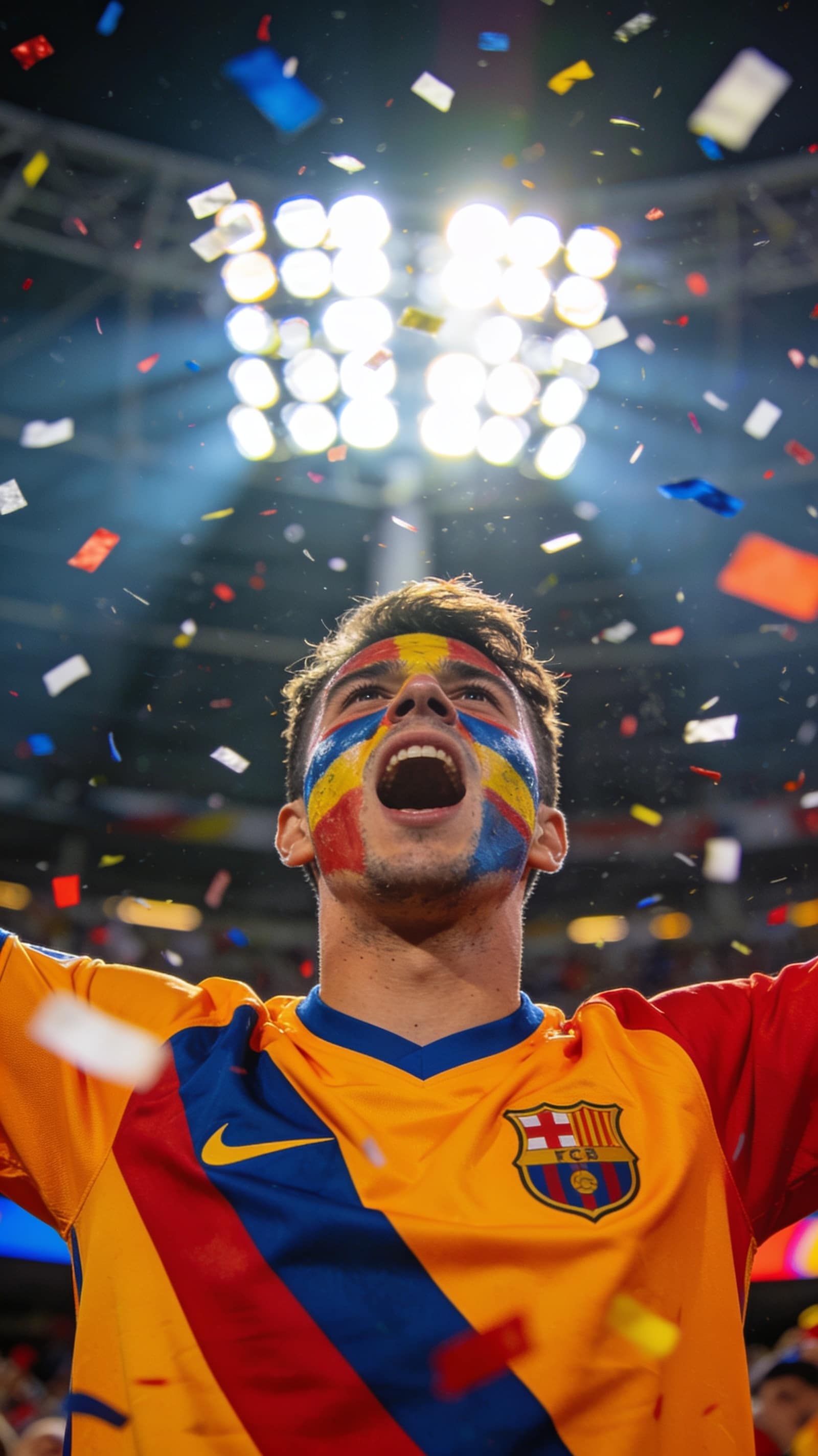
FIFA Photo Maker
AI image generator, video generator and avatars — one studio
Every creative track lives under the same roof. Switch tabs to see how far each one goes.
AI image generation, from first draft to final cut
Turn a text prompt or a reference photo into polished images with the strongest models on the market — precise text rendering, multi-image fusion and high-resolution output included.
- Text-to-image and photo-to-image in one workspace
- Precise editing: swap, restyle or retouch any detail with a prompt
- Up to 4K resolution for print and campaign work
Not sure where to start? Just ask
Built-in AI guidance for first-timers and pros alike — an agent that plans the work, and mentors who sharpen your eye.
Ava, your creative agent
Describe what you want in plain words. Ava plans the approach, picks the right model, and walks you from idea to finished image or video.
Chat with AvaPlans the whole creative approach — style, model and settings — from a one-line brief
Gives concrete composition advice for your images: framing, lighting and focus
Writes shot-by-shot video scripts you can generate right away
Create Better Images with AI Mentors
Choose from 28 legendary artists and studio experts, describe your idea in everyday language, and turn it into a production-ready visual direction.

AI Miyazaki
Animation Master

AI Da Vinci
Renaissance Master

AI Van Gogh
Post-Impressionist Visionary

AI Picasso
Cubist Revolutionary

AI Adams
Landscape Master

AI Leibovitz
Portrait Legend

AI Avedon
Fashion Pioneer

AI Monet
Father of Impressionism

AI Rembrandt
Master of Light

AI Michelangelo
Divine Creator

AI Dalí
Surrealist Genius

AI Hockney
Modern Vision Master

AI Capa
War Photography Legend

AI Cartier-Bresson
Decisive Moment Master

AI Warhol
Pop Art Icon

AI Frida
Soul Painter

AI Product Pro
Product Photography Director

AI Portrait Lens
Portrait Photography Master

AI Viral Canvas
Social Media Creative Director

AI Plate & Light
Food Photography Master

AI Room Vision
Interior Design Visualizer

AI Pixel Forge
Game Concept Art Director

AI Runway Eye
Fashion Creative Director

AI Sakura Studio
Anime & Manga Artist

AI Blueprint Lens
Architectural Visualization Expert

AI Storybook Magic
Children's Illustration Expert

AI Brand Mark
Brand Identity Designer

AI Campaign Studio
Advertising Creative Director
Free AI prompts and templates
Two libraries, one habit: start from something that already works.
Curated prompts
188 hand-picked prompts across editor-reviewed themes — every one checked against the exact image it produced.
Template library
15,000+ ready-to-run creative templates — search by style, subject or model and start from a recipe that's already proven.
Everything here is free — apply any prompt or template in one click, or edit it into a prompt of your own.
All AI image & video models
40 models on one credit balance — no API keys to wire up.


Frequently Asked Questions
Have another question? Contact us at support@createvision.ai
What is CreateVision AI and how does it work?
CreateVision AI is a free AI image and video generator that puts 33 top models behind one input box. Describe what you want or upload a photo; Ava, the built-in AI agent, picks the right model and writes the prompt for you, and the AI Mentor system — 28 creative masters and scene experts — shows you how professionals would approach the same brief.
Is CreateVision AI really free to use?
Yes. Signing up for CreateVision AI is free, and the Z Image Turbo model is free to use — 30 images a day after sign-up, no credit card required. Other models use credits, and credit packs start at $9 and never expire. Paid plans start at Basic and add monthly credits, every premium model and watermark-free downloads on the AI Tools.
What makes CreateVision AI different from other AI image generators?
Three things. An AI agent that picks the model and writes the prompt, so you never have to learn one. An AI Mentor system with 16 legendary masters and 12 scene experts who show their reasoning and prompts. And 70 one-click photo and video tools plus 15,000+ prompt templates, all under one account instead of five subscriptions.
What are the AI Mentor masters and how do they help?
AI Mentors are 16 legendary creative masters — Da Vinci, Van Gogh, Miyazaki, Picasso, Ansel Adams, Annie Leibovitz and more — plus 12 scene experts for product shots, portraits, rooms, food and other everyday jobs. Pick a mentor, describe your idea in plain language, and it rewrites your prompt the way that artist would frame the shot, then picks the model to match.
What types of images can I create with CreateVision AI?
Almost anything: photorealistic portraits, anime and cartoon avatars, product mockups, posters, logos, room designs, holiday cards and illustrations, plus short videos from a photo or a text prompt. The 70 one-click tools cover the common jobs — background removal, face swap, hairstyle and outfit changes, upscaling, old photo restoration, watermark removal and more.
Do I need prompt engineering skills to use CreateVision AI?
Not at all! Our AI Mentor system and intelligent prompt enhancement automatically transform simple descriptions into professional-grade prompts. You can also browse 15,000+ ready-to-use prompt templates — just click and generate. CreateVision AI is designed for everyone, from beginners to professionals.
Can I use the generated images commercially?
Yes, you own the rights to images you generate with CreateVision AI. You can use them for personal and commercial purposes, including social media, marketing materials, product listings, and creative projects.
What AI models does CreateVision AI use?
33 models, updated as new ones ship. For images: GPT Image 2.5, Seedream 5 Pro, Nano Banana Pro, Midjourney V8.2, Qwen Image 3 Pro and the free Z Image Turbo. For video: Seedance 2.5, Kling 3.0, Veo 3.1, Wan 3.0 and MiniMax H3. You can pick a model yourself or let Ava choose the best one for the job.
How do the AI Image Tools work?
Upload a photo, pick a tool and click generate — the prompt, the model and the settings are handled for you. Most tools cost 50 credits per run (a few lighter ones 25, high-resolution and video tools more; the exact price sits on the button). Subscribers download clean results; on the free plan and credit packs the result carries a small CreateVision watermark.
What are the Premium and Ultimate membership benefits?
Four paid plans: Basic (3,000 credits a month), Premium (8,000), Ultimate (18,000) and Max (40,000). All of them remove the daily cap, unlock every model and give watermark-free downloads on the AI Tools; higher tiers add more credits and higher concurrency. Unused monthly credits reset each billing cycle, while credit-pack credits never expire.
How does CreateVision AI protect my privacy?
We take privacy seriously. Everything you create is private by default — no other user can ever see your generations, on any plan. We don't sell or misuse any member data. Your creative work stays yours.
Is CreateVision AI available on mobile devices?
Yes, CreateVision AI works great on mobile browsers at createvision.ai. The interface is fully responsive and optimized for touch screens. We're also developing dedicated mobile apps for an even better experience.
Are there CreateVision AI reviews or real examples I can look at?
Yes. Every tool page shows real before-and-after samples generated with that tool, the model pages show side-by-side outputs, and the Prompts library shows finished works together with the exact prompt. The Recent Generations strip on the home page is your own live history once you sign in.
Is there a CreateVision AI download or app?
There is nothing to download today. CreateVision AI runs entirely in the browser on desktop and mobile — open createvision.ai, sign in, and start creating. On a phone you can add it to your home screen from the browser menu and it opens like an app, and a dedicated mobile app is in the works.